
GA4 Campaign Tracking Audit for Accurate Attribution
Catch every UTM gap and misclassified source so channel performance and campaign ROI stay accurate.
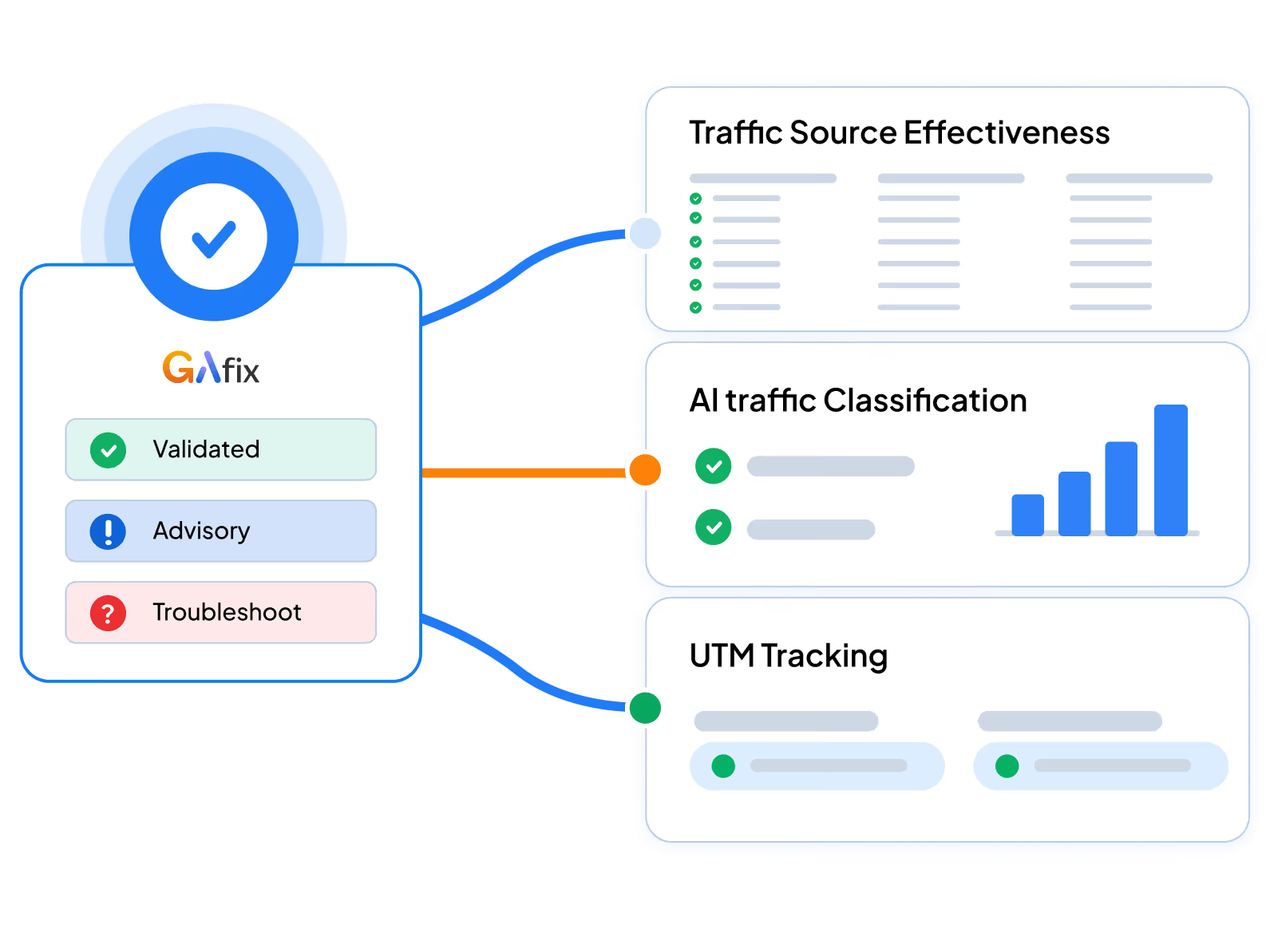



UTM problems don't break dashboards. They corrupt them. GAfix audits your tagging structure, source attribution, and channel grouping in under 2 minutes.
01
Validates GA4 UTM parameters for naming consistency and structural integrity.
Stops traffic from landing in the wrong channel grouping
Prevents duplicate entries from case inconsistencies
Catches missing utm_source and utm_medium values
Flags internal links overwriting external UTM parameters
Source/medium reporting stays accurate and clean
Campaign performance analysis reflects real data
ROAS calculations hold up across reporting periods
Channel comparisons stay consistent and reliable
UTM naming conventions across all active campaign URLs
Case sensitivity conflicts creating duplicate channel entries
Redirect chains that strip or alter UTM parameters mid-session
Internal links carrying external UTMs that overwrite source data
Paid campaigns appear under Direct or Referral in GA4
Your team uses different naming formats for the same source
Reports show duplicate channel entries for the same platform
Sessions can't be traced back to specific campaign structures
Pro tip : Case sensitivity alone can split one campaign into multiple channel entries. 'Paid-social' and 'PaidSocial' register as separate sources in GA4. Catching this is exactly what the GAfix campaign tracking audit is built for, before it compounds across months of data.
02
Confirms auto tagging and GCLIDs are intact so paid sessions classify correctly.
Stops paid traffic appearing under Referral or Organic
Prevents GCLID loss during redirects and SPA transitions
Catches auto-tagging conflicts with manual UTM overrides
Ensures cost data flows accurately into GA4 reports
Paid Search attribution reflects actual campaign data
Cost-to-conversion reporting becomes trustworthy
Google Ads and GA4 data align for optimization decisions
Bidding strategies run on accurate conversion signals
Auto-tagging status across connected Google Ads accounts
GCLID presence and integrity across campaign landing pages
Manual UTM conflicts that override auto-tagging values
Redirect chains stripping GCLID before session capture
Google Ads traffic appears under Referral in GA4 reports
Cost data in GA4 doesn't match Google Ads figures
Paid Search sessions in GA4 are lower than expected
Attribution gaps between Ads and GA4 persist unexplained
Pro tip : When manual UTMs and Google Ads auto tagging both fire on the same URL, the UTM wins, stripping the GCLID and breaking cost attribution. GAfix detects these override conflicts and flags where the tagging logic needs correcting.
03
Pinpoints what's pushing traffic into unassigned across channel and source reports.
Stops unassigned volumes from masking real channel data
Catches HTTPS referrer stripping inflating direct traffic
Prevents new platform traffic landing under Referral
Flags incomplete source/medium pairs distorting reports
Channel contribution becomes measurable and comparable
AI and emerging sources gain their own clear visibility
Marketing ROI reporting reflects real acquisition channels
Budget decisions are grounded in clean attribution data
Sessions classified as Unassigned in GA4 channel reports
Missing or incomplete UTM parameter combinations.
HTTPS referrer stripping inflating direct traffic volume.
New and AI platforms not mapped in channel grouping rules.
Unassigned is a top traffic source in your GA4 reports.
Direct traffic volumes are suspiciously high or growing.
A large portion of sessions has no identifiable source.
New channels show up as Referral or Unassigned in GA4.
Pro tip : Unassigned traffic isn't random noise. It's a classification failure, usually caused by missing UTMs, referrer stripping, or unmapped platforms. A GA4 campaign tracking audit pinpoints each gap so the fix is precise, not guesswork.
04
Checks custom channel groupings match your actual acquisition model and traffic sources.
Misaligned rules bury real channel performance
AI and new platform traffic lands in the wrong group
GA4 reporting gaps don't match how marketing categorises spend
Branded and generic organic get tracked as one channel
Budget shifts happen based on accurate channel data
Cross-team reporting uses consistent channel definitions
Acquisition analysis reflects your real strategy
Campaign comparisons stop being skewed by grouping errors
Custom channel grouping rules in GA4 Admin settings
Channel definitions misaligned with your acquisition model
Paid Social groupings fragmented across conflicting rules
AI-driven traffic mapped to incorrect channel groups
Paid social campaigns split across multiple channel groups
Reports don't match how marketing categorizes spend
New platforms have no defined custom grouping rule in GA4
Teams compare channels using different classification standards
Pro tip : Default GA4 channel groups weren't built for your strategy. If you run influencer, AI-referral, or niche paid campaigns, they'll land in the wrong group. GAfix maps your grouping rules against your source mix and flags the misalignments.
05
Validates traffic sources aren't distorted by misclassified email, referral, or paid sessions.
Incorrectly named email sources distort channel data
Referral misclassification pulls sessions into wrong channels
Paid sessions appear under Organic or Referral
High direct volumes signal broken UTM tracking
Attribution models stay stable and reliable over time
Channel comparisons are based on clean session data
Conversion analysis reflects genuine acquisition performance
Marketing decisions are backed by structurally sound data
Email source naming and UTM consistency
Referral sources misclassified in channel grouping rules
Paid sessions appearing under Organic or Referral
High (direct)/(none) volumes indicating UTM breakdown
Email campaigns show under Direct or the wrong channel
Referral spikes with no identifiable source or campaign
Paid traffic shifts channels without any campaign changes
(direct)/(none) is consistently a top acquisition source
Pro tip : High (direct)/(none) is a symptom, not a source. Sessions arrived without trackable context, typically from missing UTMs on email, dark social, or referrer-stripping apps. GAfix surfaces what's driving that volume so you can fix it at the root.


GAfix never stores or accesses your data. We use secure, read-only permissions solely to analyze your setup and generate the audit - nothing is saved, copied, or reused. We follow strict security standards to keep your analytics private, protected, and fully compliant.

Your analytics data always stays private. We never share, sell, or misuse this information.
We never change or interfere with your GA4 data or settings. Access is limited to view permissions only.
We apply trusted best practices at all times to ensure your data always remains safe and private.


A GAfix audit reviews key areas of your Google Analytics 4 setup to identify tracking gaps, configuration issues, and data quality problems that affect reporting.
The audit confirms which channels actually drive trial signups and activations, not just sessions that look right on the surface.
Revenue attribution only holds if campaign tagging is clean. The audit validates UTM structure so purchase data maps to the right channels.
Run consistent campaign tracking audits across multiple properties. Catch attribution conflicts before they show up in client reports.

Fix campaign tracking gaps in under 2 minutes. Stop them before they distort your attribution.
It covers GA4 UTM parameters, campaign naming consistency, Google Ads auto tagging, GA4 unassigned traffic classification, and channel grouping logic. The GA4 campaign tracking audit runs all these checks automatically.
No. GAfix operates in strict read-only mode. It analyzes your property and identifies issues, but never modifies any settings.
Most audits complete in under 2 minutes. You'll know where UTM structure, source attribution, and channel grouping have gaps, and what to fix first.