

Run a GA4 Audit in Under 2 Minutes
8 out of 10 businesses have GA4 tracking gaps they don’t know about. Check your GA4 Health Score in under 2 minutes and fix what’s impacting decisions.
8 out of 10 businesses have GA4 tracking gaps they don’t know about. Check your GA4 Health Score in under 2 minutes and fix what’s impacting decisions.


A GAfix audit reviews key areas of your Google Analytics 4 setup to identify tracking gaps, configuration issues, and data quality problems that affect reporting.

Review if events, parameters & user properties are properly configured.

Check if conversion events are properly defined, marked, and aligned with your business goals.

Identify missing events, duplicate tracking, broken setups, and common configuration errors.

Check attribution settings & related configurations to ensure reports show accurate data.
Connect your GA4 property, run an automated audit, and get clear insights in minutes—no manual review of settings or reports required.
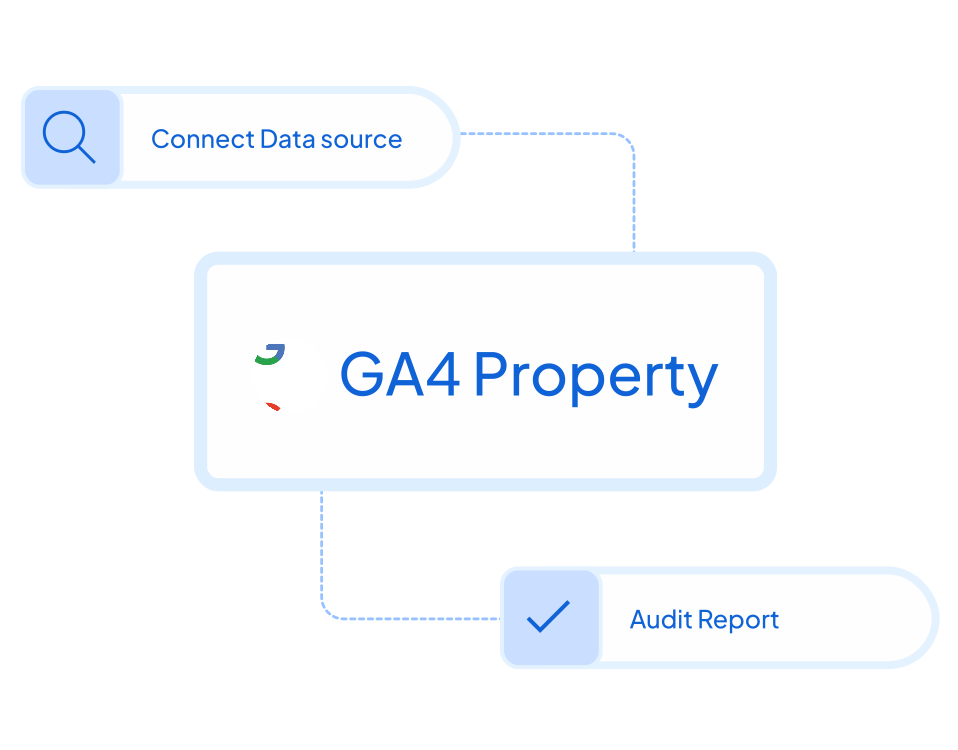
Securely link your Google Analytics 4 account. GAfix only reads your setup to run the audit– no changes are made automatically.
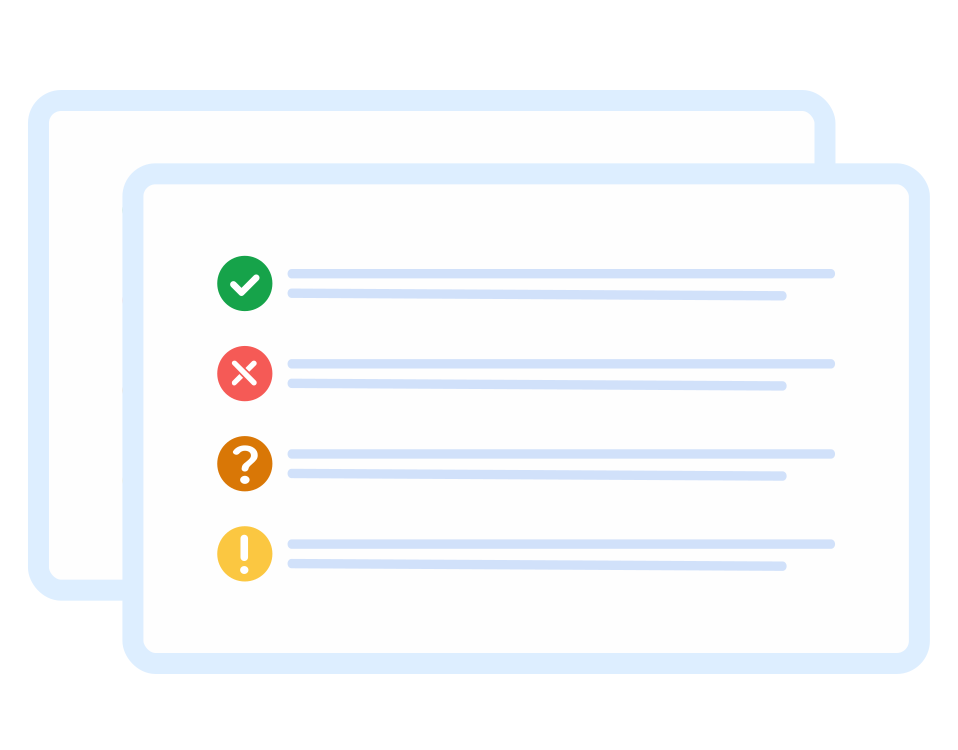
Run a GA4 audit to check 7 key checkpoints for free, or upgrade to Pro to review 18 checkpoints to easily find & fix misconfiguration.
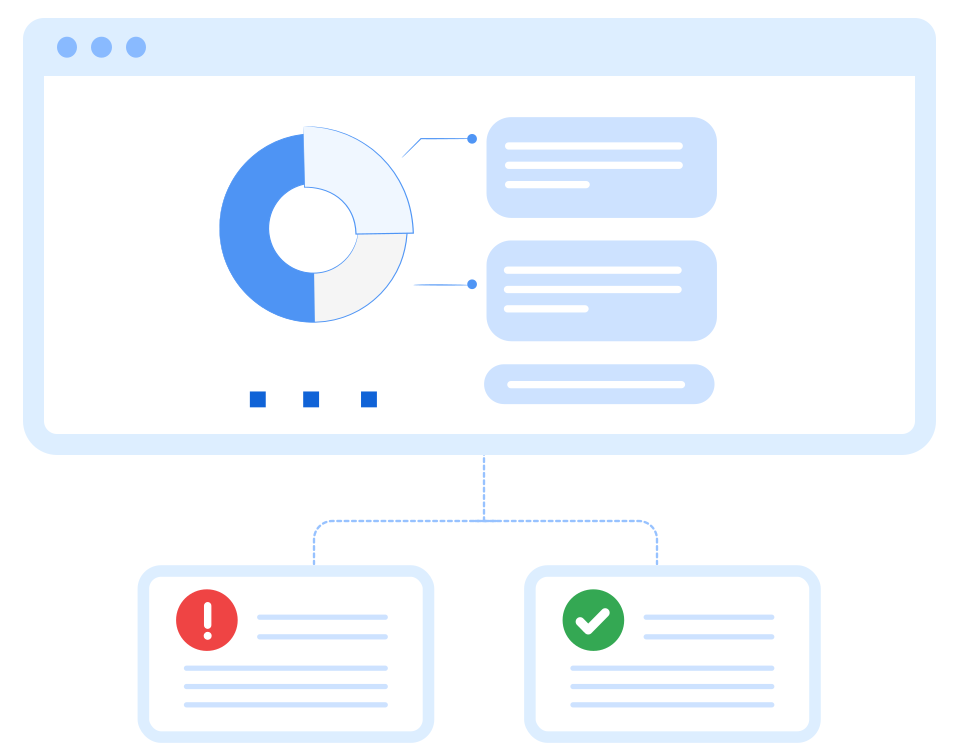
Apply expert recommendations from your audit to fix issues and ensure your GA4 data is accurate and reliable.

GAfix never stores or accesses your data. We use secure, read-only permissions solely to analyze your setup and generate the audit - nothing is saved, copied, or reused. We follow strict security standards to keep your analytics private, protected, and fully compliant.



Your analytics data always stays private. We never share, sell, or misuse this information.

We never change or interfere with your GA4 data or settings. Access is limited to view permissions only.

We apply trusted best practices at all times to ensure your data always remains safe and private.





Get clear, actionable steps to fix issues - without manual investigation, data access, or privacy risk. We analyze only your configuration and deliver a complete diagnostic report.
Our comprehensive audit covers every critical aspect of your GA4 implementation to ensure complete data accuracy.

Explore the features of GAfix designed to help you review, understand, and improve your Google Analytics 4 setup. From detailed audits to shareable reports, GAfix gives you the visibility and guidance needed to keep your tracking accurate.

Access a complete GA4 audit covering all 18 checkpoints to identify tracking issues, configuration gaps, and setup errors.

Use GAfix for fast, focused reviews when you need to validate your GA4 setup or investigate specific tracking concerns.

Get clear explanations for each issue, along with instructions on what needs fixing and why it matters for your reporting.

Review audit results and recommendations anytime, without waiting for manual reviews or support windows.

Export your GA4 audit findings as an Excel report for sharing with teams, stakeholders, or clients, or for use as documentation.

Choose audit packages and services tailored to your tracking needs, whether you need a one-time review or ongoing support.
Google Analytics (GA) is a powerful tool, but inaccurate tracking, misconfigured settings, and missing data can lead to poor insights and bad business decisions. That's what GAfix is here to solve for you!


Get clear visibility into how events and conversions are tracked in GA4, ensuring every key user action is captured correctly and reflected accurately in your reports.


Get a clearer view of how users move across channels and platforms by fixing attribution gaps and tracking inconsistencies in your GA4 setup.


Move beyond alerts. Receive clear, prioritized recommendations with practical next steps to fix issues and improve data reliability.

Whether you’re running a SaaS product, managing an ecommerce store, or auditing multiple client accounts, GAfix is designed to support you and build confidence in your GA4 data.


Ensure your GA4 is correctly configured, reliable, and ready for scale.
Understand the differences in speed, accuracy, and scalability between automated and manual GA4 audits.


GAfix is used by teams that need consistent, accurate GA4 data for reporting, analysis, and decision-making.




Accurate data is everything, and GAfix ensures we get it within minutes! A must-have for any business using GA4.

GAfix is an essential tool for us to ensure our GA4 setup is optimized for reliable customer insights. With its automated audits and recommendations, it simplifies what used to be a complex and time-consuming process.

GAfix made our GA4 audit effortless! We uncovered tracking issues we didn’t even know existed, and the automated recommendations helped us fix them in no time!

Our consulting agency manages multiple GA4 properties, and GAfix is a game-changer! The ability to audit and optimize tracking across clients and multiple properties has helped us deliver better insights and results.

Common questions about GAfix audits, features, pricing, and reports. Need assistance?
Get in touch with us.

GAfix helps you review your Google Analytics 4 setup and identify tracking and configuration issues that affect reporting accuracy.
GAfix can be used by marketers, analysts, founders, and teams without any technical setup or coding knowledge.
You need read access to the GA4 property you want to audit in order to run checks and view results.
GAfix only reads your GA4 configuration and does not make any changes to your account.
Most audits are completed within a few minutes after connecting your GA4 property.
GAfix checks key GA4 areas such as property settings, event tracking, conversions, and common configuration issues.
The free audit covers 7 checkpoints, while the Pro audit reviews all 18 checkpoints.
Each issue includes a short explanation to help you understand what’s wrong and why it matters.
GAfix offers audit packages and services designed to support different tracking requirements and levels of review.
GAfix works well for both quick checks and more detailed reviews of your GA4 setup.
GAfix is designed to be easy to use, even if you are not familiar with GA4 settings.
Connect your Google Analytics 4 property and start the audit with a single click.
GAfix runs entirely online and does not require any installation or code changes.
You can run audits on multiple GA4 properties depending on your plan.
You can re-run audits to verify whether issues have been resolved.
Most audits are completed within a few minutes after connecting your GA4 property.
The Free plan allows you to run audits with access to 7 GA4 checkpoints but doesn’t include Excel exports or comprehensive insights.
A Pro Audit gives full access to all 18 GA4 checkpoints, deeper insights, and the ability to download audit reports as Excel reports.
The 5-Audit Bundle includes five full GA4 audits at a discounted price, allowing you to use them across properties or teams.
GAfix offers tracking services through structured packages, including GA4 and GTM setup, event tracking, integrations, and debugging support based on your tracking needs.
Audit reports can be downloaded as Excel reports only with Pro audits.
The Excel report includes audit findings, identified issues, and guidance for fixing them.
The Pro audit Excel report can be shared with teammates, developers, or clients.
Excel export is available only for Pro audits.
The audit Excel report can be used for internal documentation, reviews, or client reporting.