





Most ecommerce brands don’t have an attribution problem. They have a data alignment problem.
Today, marketers are pulling numbers from Shopify, Meta Ads, Google Ads, email tools like Klaviyo, refund reports, LTV models, and Google Analytics 4. Each platform tracks a different part of the funnel, but when teams sit down to compare the numbers, the dashboards rarely line up. Ad platforms show one ROAS.
Shopify reports another revenue figure. GA4 counts conversions differently. Finance usually has its own totals again. Because of this, many teams start looking for the Best Ecommerce Analytics Tools—not to add another dashboard, but to make sense of data coming from multiple sources and actually base decisions on numbers they can trust.
The Cost of Bad Data:
This confusion is common. According to Gartner, poor data quality costs organizations an average of $12.9 million per year. Much of that loss comes from misaligned reporting and bad decisions based on incomplete data. Poor data accuracy can lead to misaligned reporting and costly mistakes.
Why Most Tools Don’t Fix It:
Many brands try tools like Looker. But maintaining ETL pipelines and connectors often requires ongoing technical work. Others switch to all-in-one ecommerce analytics platforms that promise simple dashboards, but rely on closed attribution models that are hard to verify.
What This Guide Covers:
This guide compares the best ecommerce analytics tools for 2026 based on use case, team size, integrations, and attribution depth. We review Shopify-native tools, warehouse-first stacks, and GA4-based setups. We also explain when you may not need a new tool at all.
This comparison is built using real ecommerce operator feedback from Reddit, People Also Ask analysis, and feature-level evaluation across attribution, refund handling, and LTV tracking.

Introduction to Ecommerce Analytics
Ecommerce analytics tools are the backbone of any successful online store, empowering businesses to make smarter, data-driven decisions. By collecting and analyzing ecommerce data from multiple sources—such as website interactions, sales transactions, and marketing campaigns—these analytics tools provide a comprehensive view of customer behavior and preferences.
Ecommerce analytics software enables businesses to track key ecommerce metrics, uncover actionable insights, and optimize every aspect of the customer experience.
One of the most popular ecommerce analytics tools is Google Analytics, which offers a robust free plan suitable for businesses of all sizes. With Google Analytics, ecommerce brands can monitor website traffic, analyze ecommerce data, and understand how customers interact with their online store.
By leveraging these insights, businesses can refine their marketing strategies, personalize the shopping experience, and ultimately drive revenue growth. Whether you’re just starting out or scaling your ecommerce business, investing in the right ecommerce analytics tools is essential for staying competitive and delivering exceptional customer experiences.
Best Ecommerce Analytics Tools at a Glance (Comparison Table)
Not all ecommerce analytics tools function in the same way. Some tools attempt to perform everything in one location, whereas others rely on numerous systems to function together. This article provides a comparison of the top ecommerce analytics tools, helping you identify which platforms best fit your business needs.
For example, some platforms are all-in-one solutions that collect, process, and visualize data within a single system. Others choose a warehouse-first approach, which involves storing your data in a warehouse like Snowflake and then analyzing it with BI tools. Many analytics tools offer different approaches to data management, giving businesses flexibility in how they control, store, and analyze their data. Some tools rely significantly on Google Analytics 4, a popular ecommerce analytics tool, as their primary source of ecommerce tracking.
Because of these differences, the best tool frequently depends on the size of your team, technical resources, and the complexity of your data stack. A small Shopify store may prefer an easy all-in-one tool, whereas larger teams often need more adaptable data sets.
The following table compares some of the finest ecommerce analytics tools in terms of architecture, integrations, attribution capabilities, AI insights, and technical needs, highlighting the key features that differentiate these platforms. It provides a quick overview of how these platforms vary and the stacks they support.
%20(1).webp)
Best for Shopify Attribution & LTV Tracking
For most ecommerce teams, the biggest challenge is not collecting data. It is making sure the numbers match across platforms and being able to effectively track customer behavior across all channels.
A typical Shopify brand tracks performance across Shopify, Meta Ads, Google Ads, and email tools like Klaviyo. Each platform uses a different attribution model, which often leads to conflicting revenue numbers and makes revenue tracking a key capability for accurate analysis.
For example:
- Meta Ads reports $120,000 in attributed revenue
- Shopify shows $95,000 in actual sales after refunds and discounts
- Google Analytics 4 shows $88,000 in tracked purchases
Because each system tracks conversions differently, marketers often struggle to understand which number to trust. Tools designed for Shopify analytics help solve this by combining ad data, ecommerce orders, refunds, and customer data into one reporting layer, enabling a unified view to analyze customer interactions across these touchpoints.
Below are four tools commonly used for attribution and LTV tracking in Shopify ecosystems:
1. Triple Whale:
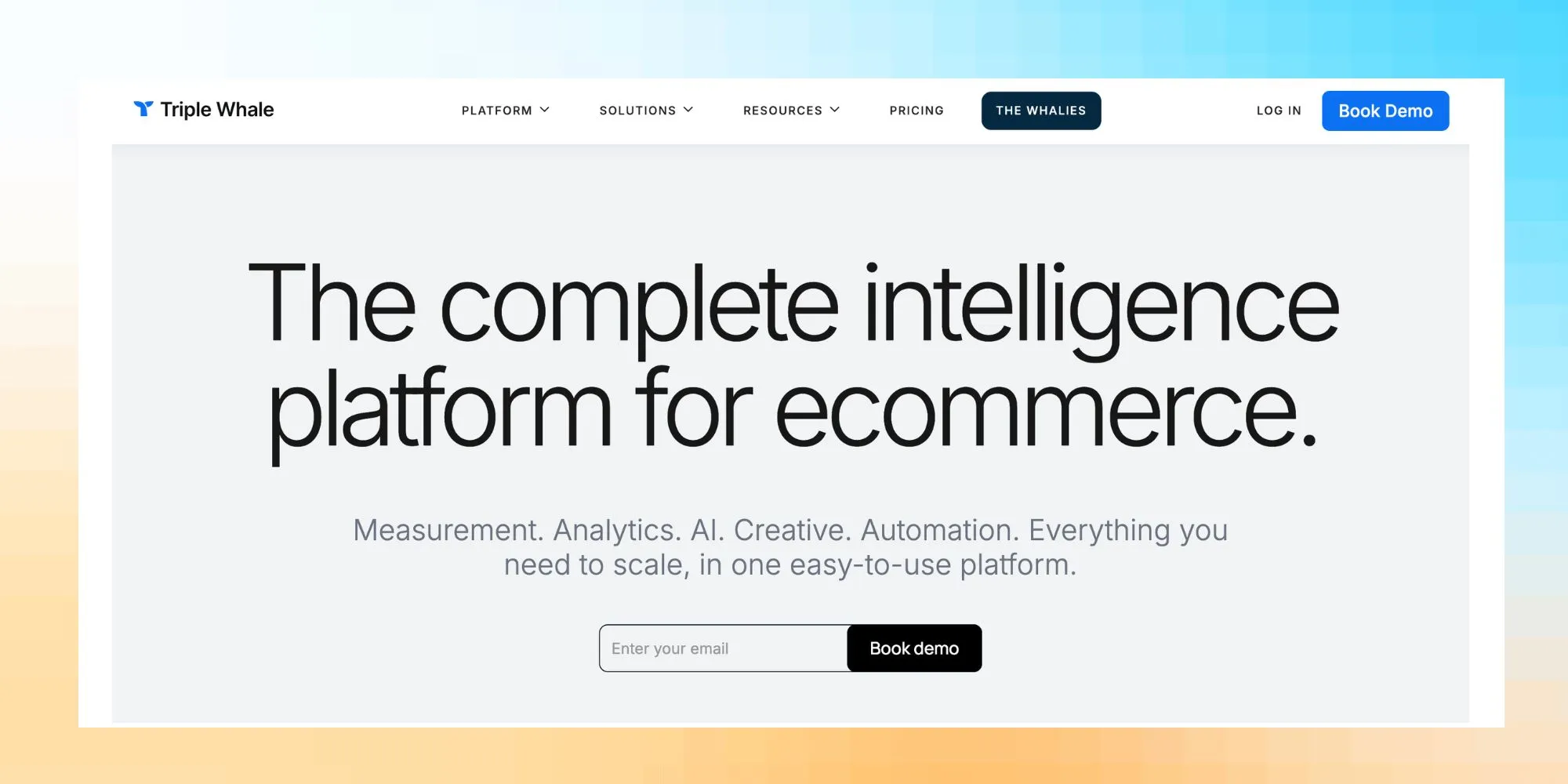
Triple Whale is built specifically for Shopify brands that run paid ads across multiple channels. It connects directly with Shopify, Meta Ads, Google Ads, and email platforms to create a unified analytics dashboard. Triple Whale also enables teams to monitor and optimize ad spend across channels, ensuring better control over campaign budgets and improved ROI.
Key capabilities:
- Shopify-native data integration
- Ad attribution across Meta and Google
- LTV and cohort analysis
- Marketing performance dashboards
Because it combines Shopify order data with ad platform data, it helps teams get a clearer view of revenue and attribution, supporting data-driven marketing strategy decisions.
2. Northbeam:
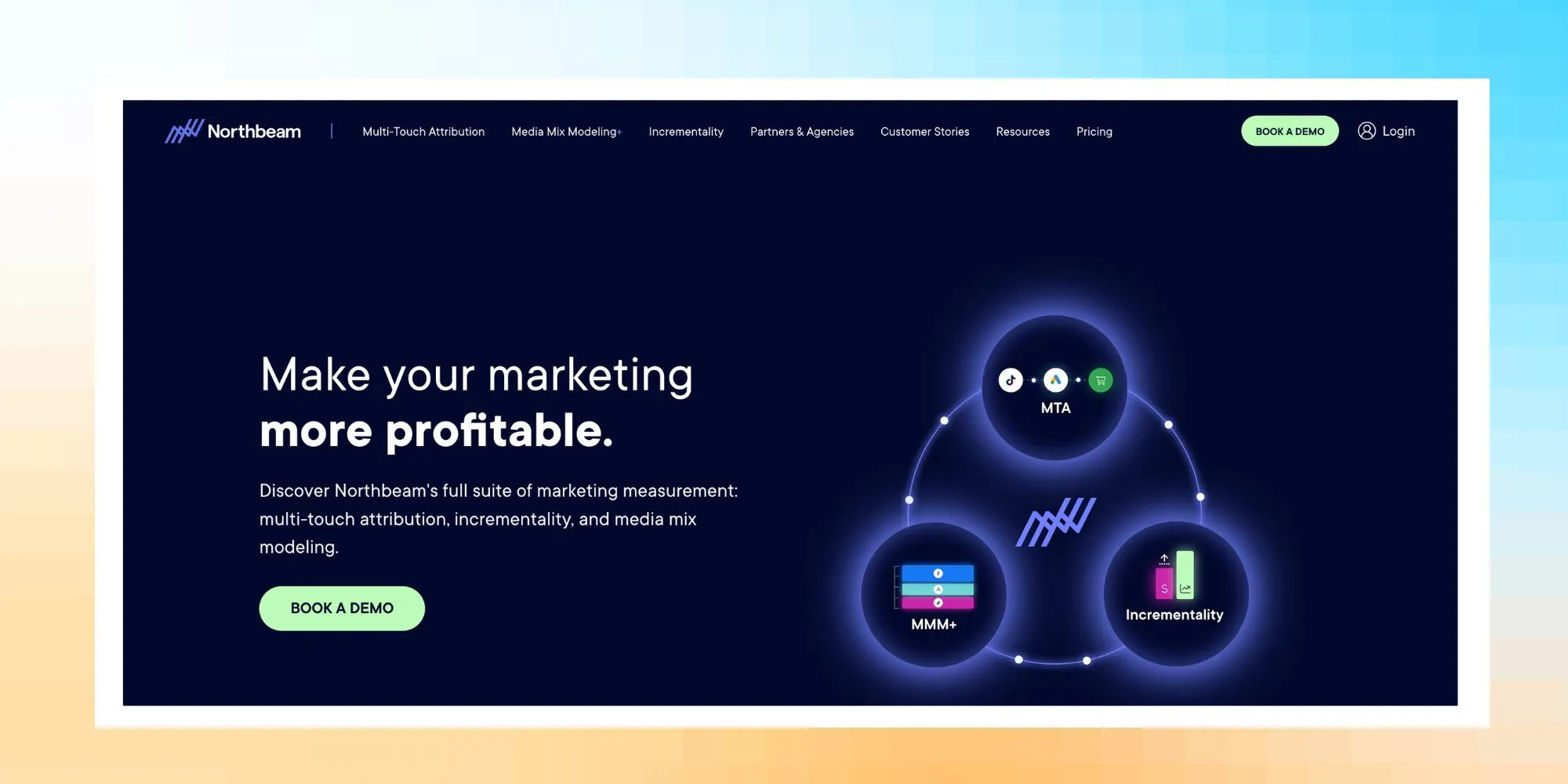
Northbeam focuses on advanced marketing attribution across multiple channels. Unlike Shopify-specific tools, it works across different ecommerce platforms and is commonly used by brands with larger ad budgets. Northbeam enables businesses to visualize and optimize the entire customer journey, providing insights from initial engagement to post-purchase interactions.
Key capabilities:
- Multi-touch attribution modeling
- Cross-channel campaign tracking
- Cohort and LTV analysis
- Track user behaviour across channels
- Integrations with Shopify, Meta Ads, Google Ads, and Klaviyo
It helps marketing teams understand how different touchpoints contribute to conversions rather than relying on last-click attribution.
3. SegMetrics:

SegMetrics focuses on connecting marketing campaigns to real revenue outcomes. Instead of only tracking conversions, it links marketing data with customer journeys and revenue events, leveraging behavioral analytics to provide deep insights into user actions and optimize the customer journey.
Key capabilities:
- Customer journey and funnel tracking
- Behavioral analytics for understanding user actions and optimizing experience
- Revenue, sales data, and refund reconciliation
- Campaign profitability analysis
- Integration with marketing and CRM tools
This makes it useful for teams that want to measure true campaign profitability by analyzing sales data and behavioral patterns, rather than just attributed sales.
4. Lifetimely:
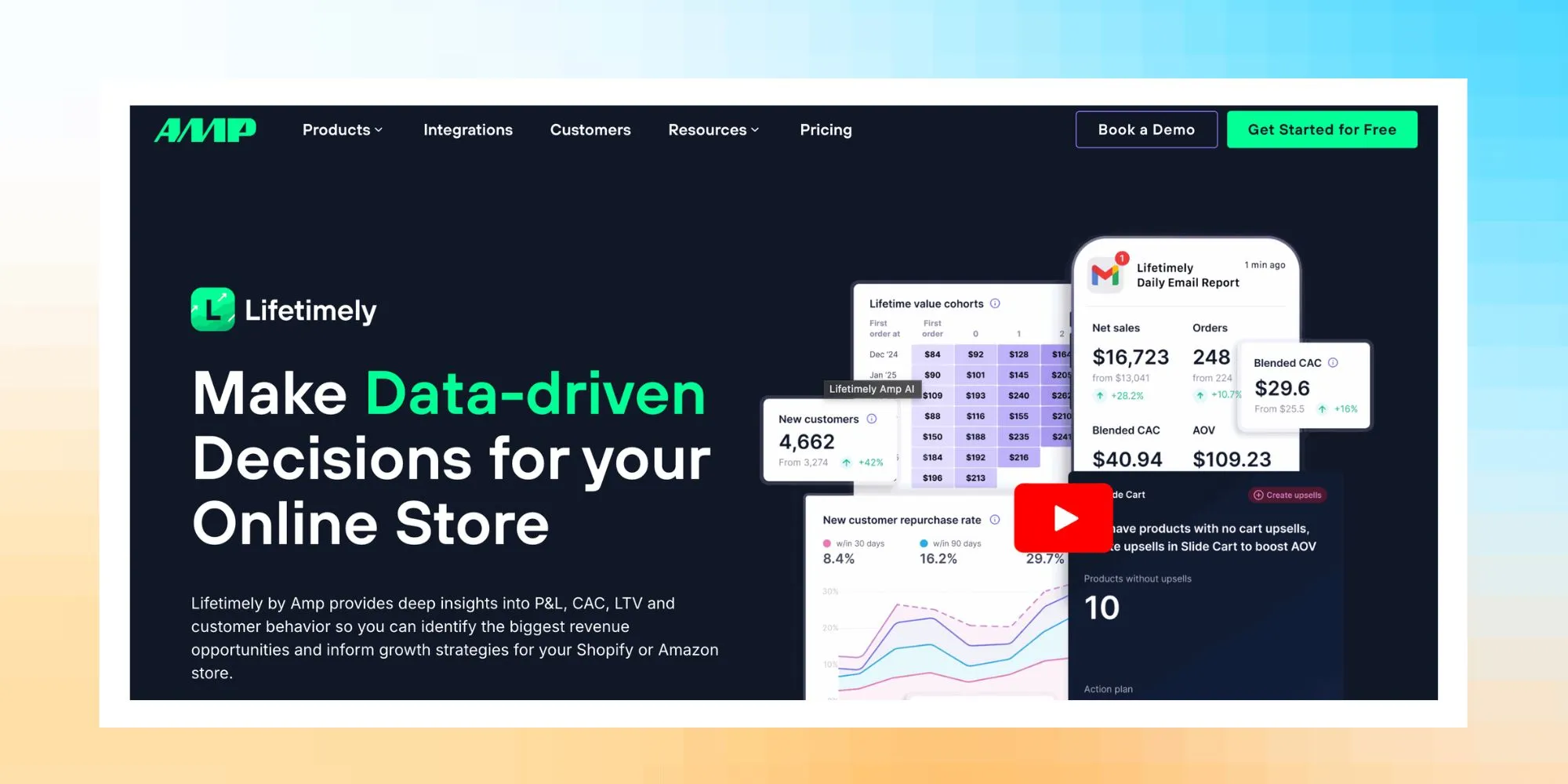
Lifetimely focuses mainly on customer lifetime value and retention analytics for Shopify stores. It is widely used by brands that want to understand long-term customer value instead of only tracking ad performance. By leveraging advanced product analytics, Lifetimely enables businesses to gain in-depth insights into feature adoption and real-time user interactions, helping optimize customer lifetime value.
Key capabilities:
- Customer lifetime value tracking
- Cohort and retention analysis with a focus on understanding customer behaviour for long-term value
- Profitability insights for customer segments
- Native Shopify integration
While it includes some attribution insights, its main strength is helping teams understand how different acquisition channels affect long-term customer value.
Tools like Triple Whale, Northbeam, SegMetrics, and Lifetimely help bridge this gap by combining data from Shopify orders, ad platforms, and marketing tools like Klaviyo. This allows teams to see a clearer picture of marketing performance and customer value.
Architecture Matters More Than Features
Most comparison lists focus only on features. But the real difference between ecommerce analytics tools is how the data flows and where it is stored. Some platforms, especially self-hosted solutions like Matomo, offer greater data ownership and privacy control, giving you full authority over your customer data and compliance.
Here are the three common approaches. Choosing the right analytics platform depends on your team's needs, including data analysis capabilities, privacy requirements, and how effectively the platform turns data into actionable insights.
1. All-In-One Platforms:
Triple Whale, for example, collects, processes, and displays data all inside the same platform. This eliminates the need for separate ETL pipelines and business intelligence tools. Many all-in-one platforms also provide real-time insights, enabling faster decision-making and immediate optimization across ecommerce channels. Setup is typically faster, and most teams can run it without engineering assistance. Additionally, features like session recordings allow teams to visualize real user interactions, helping to identify usability issues and improve conversion rates.
2. Warehouse-First Stacks:
In this setup, data is stored in a warehouse such as Snowflake and analyzed using BI tools like Sigma Computing. This approach enables deep analysis of quantitative data, allowing teams to extract actionable insights from large volumes of metrics. It also gives teams more flexibility to build custom reports and attribution models, including analyzing sales data for performance insights. However, managing data pipelines and maintaining the system is often the responsibility of engineers.
3. GA4-Based Analytics Tools:
Some analytics solutions rely heavily on data from Google Analytics 4. These tools use GA4 events to monitor conversions, sales, and traffic sources. If GA4 is not properly configured, reporting errors may arise across all connected dashboards. Additionally, GA4 uses data sampling when analyzing large volumes of sessions, which can affect the accuracy of reports and limit the depth of insights you can obtain. Integrating GA4 with Google Tag Manager streamlines the deployment of tracking tags across platforms like Shopify and WordPress, ensuring more reliable data collection and marketing attribution.
Before choosing an ecommerce analytics tool, decide what matters most for your team: simplicity, flexibility, or full control over your data.
Understanding Customer Behavior
Understanding customer behavior is at the heart of every successful ecommerce business. Ecommerce analytics tools make it possible to track and analyze how visitors interact with your website, from the first click to the final purchase. By monitoring website traffic, user journeys, and purchase patterns, analytics tools help businesses identify what drives conversions and where users drop off.
Advanced analytics platforms, such as Adobe Analytics, take this a step further by offering predictive analytics, customer segmentation, and funnel analysis. These features allow ecommerce brands to anticipate customer needs, tailor marketing campaigns, and improve customer retention. By tracking customer behavior across channels and touchpoints, businesses can uncover hidden trends, address pain points, and create more personalized experiences that boost engagement and loyalty. Ultimately, leveraging ecommerce analytics tools to understand and act on customer behavior is key to building long-term relationships and driving sustainable growth.
Customer Journey Mapping
Customer journey mapping is a powerful way for ecommerce businesses to visualize and optimize the entire customer lifecycle. By using ecommerce analytics tools to map out each stage of the customer journey—from initial awareness to post-purchase engagement—brands can pinpoint drop off points and identify opportunities to enhance the customer experience.
Analytics platforms like Mixpanel offer features such as cohort analysis and funnel analysis, enabling businesses to see where customers are getting stuck and which touchpoints are most effective at driving conversions. By understanding the full customer journey, ecommerce teams can refine their sales strategies, improve operational efficiency, and deliver a seamless experience that keeps customers coming back. Effective customer journey mapping not only helps increase conversions but also supports long-term customer loyalty and higher lifetime value.
Built-in ETL vs Connector-Based Analytics
Maintaining data pipelines is one of the most common frustrations discussed by ecommerce teams in analytics communities. Many tools promise excellent dashboards, but the actual challenge is ensuring that data flows properly between systems.
ETL (Extract, Transform, and Load) processes are essential for collecting and integrating web data from multiple sources, enabling teams to analyze data from user interactions across websites and digital channels. Some analytics platforms incorporate ETL into the product, while others rely on connectors and a separate data warehouse.
Understanding this difference can help teams avoid unexpected engineering and maintenance costs.
1. All-in-One Platforms with Built-in ETL:
Some ecommerce analytics platforms integrate data collection, transformation, and reporting into a single platform.
Triple Whale, for example, connects directly to Shopify, Meta Ads, and Google Ads. The platform handles the majority of data synchronization and modeling automatically.
Benefits include:
- Faster setup.
- Minimal engineering support.
- Fewer external data pipelines.
- Simpler dashboards for marketing teams.
This technique is ideal for smaller ecommerce teams who want immediate insights without having to manage a complicated data stack.
2. Warehouse-First Analytics Stacks:
Larger ecommerce companies often use a warehouse-first architecture. In this setup, raw data from different platforms is stored in a central warehouse such as Snowflake and then analyzed using BI tools like Sigma Computing or Looker.
This approach offers greater flexibility because teams can build custom attribution models and reports. It also enhances data ownership and privacy, as companies maintain full control over their customer data within their own infrastructure.
However, it usually requires:
- Data engineers to manage pipelines
- Regular connector maintenance
- Ongoing schema updates when platforms change APIs
Even a small ecommerce data stack can require 10–20 hours of engineering work per month just to keep pipelines running and dashboards accurate.
3. Reverse ETL and Connector-Based Analytics:
Some companies use a reverse ETL stack to move warehouse data back into marketing tools. Platforms like Census and Hightouch sync warehouse data into CRM systems, ad platforms, or marketing automation tools. For organizations with complex requirements, many of these platforms offer custom enterprise pricing to accommodate advanced features and dedicated support.
This architecture allows companies to activate data across multiple systems, but it also introduces additional connectors that need monitoring.
Over time, teams may experience connector decay. This happens when APIs change, authentication tokens expire, or schema updates break existing pipelines. When that occurs, dashboards may silently stop updating until someone notices the issue.
Hidden Cost of Connector-Based Analytics
While warehouse stacks provide flexibility, they often come with hidden operational costs, including:
- Engineering time for pipeline maintenance
- Monitoring and fixing connector failures
- Updating schemas when platforms change
- Maintaining data models and dashboards
For many ecommerce teams, the total maintenance can add up to 10–30 engineering hours per month, depending on the complexity of the stack.
In fact, research from Soda (2023–2026) revealed that 61% of data engineers spend half or more of their time handling data issues.
Because of this, many brands start with all-in-one analytics platforms and only move to a warehouse-first architecture once their data needs become more complex.
Measuring Customer Retention
Customer retention is a critical metric for any ecommerce business aiming for sustainable growth. Ecommerce analytics tools provide the insights needed to measure and improve retention by tracking key metrics such as customer lifetime value, average order value, and repeat purchase rates. By analyzing these metrics, businesses can better understand customer behavior, identify at-risk segments, and develop targeted strategies to boost customer engagement.
Predictive analytics tools, like Kissmetrics, help forecast customer churn and highlight opportunities for proactive retention efforts. By focusing on customer lifetime and engagement, ecommerce brands can tailor their marketing strategies to nurture long-term relationships and maximize revenue from existing customers. Ultimately, measuring and improving customer retention with the right analytics tools leads to higher profitability and a more loyal customer base.
How to Audit Your GA4 Before Buying Any Tool
Before investing in a new ecommerce analytics platform, it is important to first check whether your existing analytics setup is working correctly. Many attribution and reporting problems actually start with misconfigured tracking in Google Analytics 4.
If the data flowing into GA4 is incomplete or incorrect, every dashboard or attribution tool built on top of it will inherit the same errors.
If GA4 is misconfigured, every downstream attribution tool compounds the error.
Auditing your GA4 setup can help identify issues early and ensure that any analytics tool you adopt is working with reliable data. This process is essential for selecting the right ecommerce analytics tool for your needs, as it ensures your decision is based on accurate and trustworthy data.
1. Check for Broken Purchase Events
One of the most common GA4 issues is incorrectly configured purchase events. If the purchase event is missing key parameters such as transaction ID, value, or currency, revenue reporting becomes unreliable.
To audit this:
- Verify that the purchase event fires on the order confirmation page.
- Confirm that transaction ID, revenue value, and currency are recorded correctly.
- Check that events appear properly in GA4 event reports.
Even small tracking errors can lead to large gaps in revenue reporting.
2. Look for Missing Refund Data
Many ecommerce stores track purchases but forget to track refunds. This leads to inflated revenue numbers in analytics dashboards.
When auditing GA4, confirm that refund events are implemented and linked to the original transaction ID. This helps ensure that revenue data reflects actual net sales rather than gross purchases.
3. Identify Duplicate Transactions
Duplicate purchase events can occur when tracking scripts fire more than once or when both client-side and server-side events are recorded incorrectly.
Signs of duplicate transactions include:
- Multiple purchase events with the same transaction ID.
- Revenue totals that exceed actual store revenue.
- Conversion numbers that appear unusually high.
Checking event logs and transaction IDs can help detect this problem early.
4. Review Attribution Windows and Settings
Attribution settings also affect how conversions are assigned to marketing channels in Google Analytics 4.
Incorrect attribution windows or channel groupings can create misleading performance reports. During your audit, review:
- Attribution model settings
- Conversion windows
- Channel grouping rules
These settings influence how marketing performance is interpreted across channels like paid ads, organic traffic, and email.
Why a GA4 Audit Matters
Before adopting a new analytics platform, fixing foundational tracking issues can prevent larger problems later.
Tools like GAfix.ai are designed to help identify common configuration issues in GA4, including broken purchase events, duplicate transactions, and missing refund tracking. Running a quick audit ensures your analytics stack starts with clean, reliable data rather than amplifying existing tracking errors.
Analyzing Customer Segmentation
Customer segmentation is a cornerstone of effective ecommerce analytics, allowing businesses to group customers based on shared characteristics such as demographics, purchase behavior, and preferences. By leveraging ecommerce analytics tools like Google Analytics, brands can use advanced segmentation features to create detailed customer profiles and uncover actionable insights.
Segmenting customers enables ecommerce businesses to develop personalized marketing campaigns, offer custom pricing, and optimize sales strategies for different audience groups. Advanced segmentation not only increases customer engagement but also drives higher conversion rates and revenue growth. By continuously analyzing and refining customer segments, ecommerce brands can stay ahead of market trends, deliver tailored experiences, and achieve measurable business impact.
When NOT to Use an All-in-One Ecommerce Analytics Tool
All-in-one ecommerce analytics platforms are popular because they are easy to set up and provide quick insights. Tools like Triple Whale and similar platforms can combine ad data, ecommerce orders, and marketing metrics into a single dashboard. Many analytics tools cater to different business sizes and needs, offering varying levels of data control, privacy, and regulatory compliance.
However, these tools are not the right choice for every business. As ecommerce companies grow, their data needs become more complex, and they may require greater flexibility than an all-in-one platform can provide. Choosing the right ecommerce analytics tool is crucial as your business evolves, ensuring technical compatibility and the right mix of features for real-time or historical analysis.
In many cases, the right analytics architecture depends on revenue scale and data complexity.
(this tree diagram)
1. Ecommerce Brands Under $5M Revenue
For smaller ecommerce brands, an all-in-one analytics tool is usually the best option.
At this stage, teams are primarily focused on:
- Tracking ad performance
- Monitoring revenue and ROAS
- Understanding basic customer acquisition metrics
All-in-one tools simplify data collection and reduce the need for technical setup. Marketing teams can access attribution, LTV tracking, and campaign insights without maintaining a complex data infrastructure.
For companies in this revenue range, speed and simplicity matter more than customization.
2. Ecommerce Brands Between $5M and $50M
As ecommerce brands grow, their analytics needs often expand beyond standard marketing dashboards.
Companies in this range may start needing:
- More advanced cohort analysis
- Custom attribution models
- Deeper product and customer analytics
- Integration with finance or operational systems
At this stage, many companies adopt a hybrid analytics setup. They may continue using an all-in-one marketing analytics tool for campaign monitoring while also storing raw data in a warehouse.
For example, marketing teams might still use a platform like Triple Whale for quick performance insights, while the data team builds deeper analysis using a warehouse like Snowflake.
This approach allows teams to balance ease of use with analytical flexibility.
3. Ecommerce Brands Above $50M
Large ecommerce companies often outgrow all-in-one analytics platforms.
At higher revenue levels, businesses typically need:
- Highly customized attribution models
- Detailed product-level analytics
- Advanced customer segmentation
- Cross-team data access across marketing, finance, and operations
Because of these requirements, many enterprise ecommerce companies move to a warehouse-first architecture. In this model, raw data from platforms like Shopify, advertising networks, and CRM systems is centralized in a warehouse such as Snowflake. Teams then analyze the data using BI platforms like Sigma Computing.
Some companies also implement reverse ETL tools to send warehouse data back into marketing systems and CRM platforms for campaign activation.
While this setup requires more engineering resources, it provides full control over data models, attribution logic, and reporting structure.
Choosing the Right Analytics Architecture
All-in-one ecommerce analytics tools work well for many growing brands, especially those that want fast insights without maintaining complex infrastructure.
However, as businesses scale, the need for custom analysis, cross-team reporting, and flexible data models often leads companies toward warehouse-based analytics stacks.
Understanding where your business falls in this revenue spectrum can help you choose an analytics architecture that supports both current needs and future growth. Selecting the right analytics platform is crucial to ensure your solution meets your evolving data analysis requirements and turns insights into actionable business outcomes.
Best Free Ecommerce Analytics Tools
Many ecommerce teams start with free analytics tools. These platforms help track website traffic, user behavior, sales data, and basic conversion data without additional cost. By analyzing sales data, ecommerce teams can better understand revenue trends, conversion rates, and customer behaviors to make informed decisions. However, free tools only work well when the tracking setup is correct.
If analytics events are misconfigured, the reports can become misleading. In many cases, the biggest cost of a “free” tool is making business decisions based on incorrect data.
1. Google Analytics 4:
Google Analytics 4 (GA4) is one of the most widely used free analytics platforms for ecommerce websites. It collects and analyzes web data, tracking website traffic, user behavior, and purchase events across devices.
Key capabilities:
- Website traffic and user behavior tracking
- Conversion and purchase event tracking
- Funnel and engagement reports
- Integration with Google Ads and other Google tools
However, many ecommerce stores experience issues such as:
- Broken or missing purchase events
- Duplicate transaction tracking
- Refunds not being recorded
- Incorrect attribution windows
Additionally, data sampling in GA4 can affect the accuracy of reports, especially when analyzing large volumes of sessions, which may limit the depth of insights available.
Because GA4 relies heavily on event tracking configuration, reporting accuracy depends on proper setup and maintenance.
2. GAfix:
GAfix is designed to help teams audit and fix common implementation issues in Google Analytics 4. Instead of replacing analytics platforms, it helps ensure that GA4 data is configured correctly.
Key capabilities:
- Detects broken or missing GA4 events
- Identifies duplicate purchase tracking
- Flags attribution and configuration errors
- Provides automated recommendations for fixing GA4 setups
This can be useful for ecommerce teams that rely on GA4 but are unsure whether their tracking implementation is working correctly.
3. Similarweb:
Similarweb provides insights into website traffic and market trends. It is often used for competitive research and traffic benchmarking rather than internal ecommerce reporting.
Key capabilities:
- Website traffic estimates
- Competitive benchmarking
- Traffic source analysis
- Market trend insights
The free version offers limited data and mainly provides estimated traffic insights, so it is usually used alongside other analytics tools.
Common Limitations of Free Ecommerce Analytics Tools
Free analytics tools can be a good starting point for ecommerce teams. However, they only work well when the tracking setup is accurate. If purchase events are broken or attribution settings are incorrect, the reports can show misleading numbers. This can lead marketing teams to make decisions based on incomplete or incorrect data.
Because of this, many growing ecommerce brands eventually combine free tools with dedicated ecommerce analytics platforms or data warehouse solutions as their reporting needs become more complex.
Frequently Asked Questions
What are the best ecommerce analytics tools for Shopify?

Some of the most commonly used analytics tools for Shopify brands include Triple Whale, Northbeam, Lifetimely, and SegMetrics.These tools connect directly with Shopify and marketing platforms such as Meta Ads, Google Ads, and Klaviyo. They help ecommerce store owners track marketing attribution, customer lifetime value, and overall store performance in one place, making it easier to optimize ecommerce store metrics and improve user experience.
What’s the difference between ecommerce analytics software and data analytics tools?
Ecommerce analytics software is designed specifically for online stores. It focuses on metrics such as orders, revenue, refunds, customer lifetime value, and marketing attribution.General data analytics tools, on the other hand, are broader platforms used across many industries. Tools like Mixpanel or Sigma Computing can analyze many types of data but usually require additional setup to work with ecommerce systems.
Is Mixpanel good for ecommerce analytics?
Mixpanel is strong for tracking product usage, customer behavior, and user journeys. Its advanced product analytics features allow you to track real-time user interactions, understand feature adoption, and gain in-depth insights into customer behavior and product performance. It works well for SaaS and product-led companies.For ecommerce brands, Mixpanel can help analyze user behavior on the website or app, but it does not provide built-in ecommerce attribution or marketing performance tracking like Shopify-focused analytics tools.
Confident Decisions Start with Accurate Tracking
Ensure your GA4 and GTM are correctly configured, reliable, and ready for scale.
Subscribe To Our Newsletter


