



.webp)



You know that moment when your marketing team opens the analytics dashboard and the numbers don’t add up?
Traffic looks lower than usual. Conversions have random gaps. And that ad campaign that brought solid leads last month suddenly shows nothing. You double-check the numbers but still can’t figure out what’s wrong. The truth is, most of the time, it’s not your campaigns that failed. It’s your Google Analytics (GA4) setup that’s missing the full picture.
In this blog, we’ll explain exactly why a proper GA4 setup matters for your marketing team and how you can make it work right. We’ll cover what a Google Analytics account is, the basics of Google Analytics 4, how to create a property in Google Analytics, how to log in via Google (GA4), and why this is important for marketers.
So, let’s start with clarifying the foundation first.
What is Google Analytics (GA4)?
Google Analytics is a free tool from Google that helps you understand what people do on your website or app, where they come from, what pages they visit, and how long they stay. In simple terms, it’s like CCTV for your online presence, showing how users interact so you can make smarter marketing decisions.
Earlier, most businesses used Universal Analytics (GA3), but it tracked users through page views, which didn’t work well for apps or today’s multi-device behavior. That’s why Google introduced GA4, a newer version built around “events” like clicks, scrolls, and video views. GA4 gives a more complete view of the customer journey across devices.
When you create a Google Analytics account, you set up properties. Each property represents a website or app you want to track. This is the first step in any GA4 setup. You can access all of it easily through your Google GA4 login dashboard to monitor performance in real time.
Why Should Your Marketing Team Care About GA4 Setup?
Here’s what this really means for your marketing team:
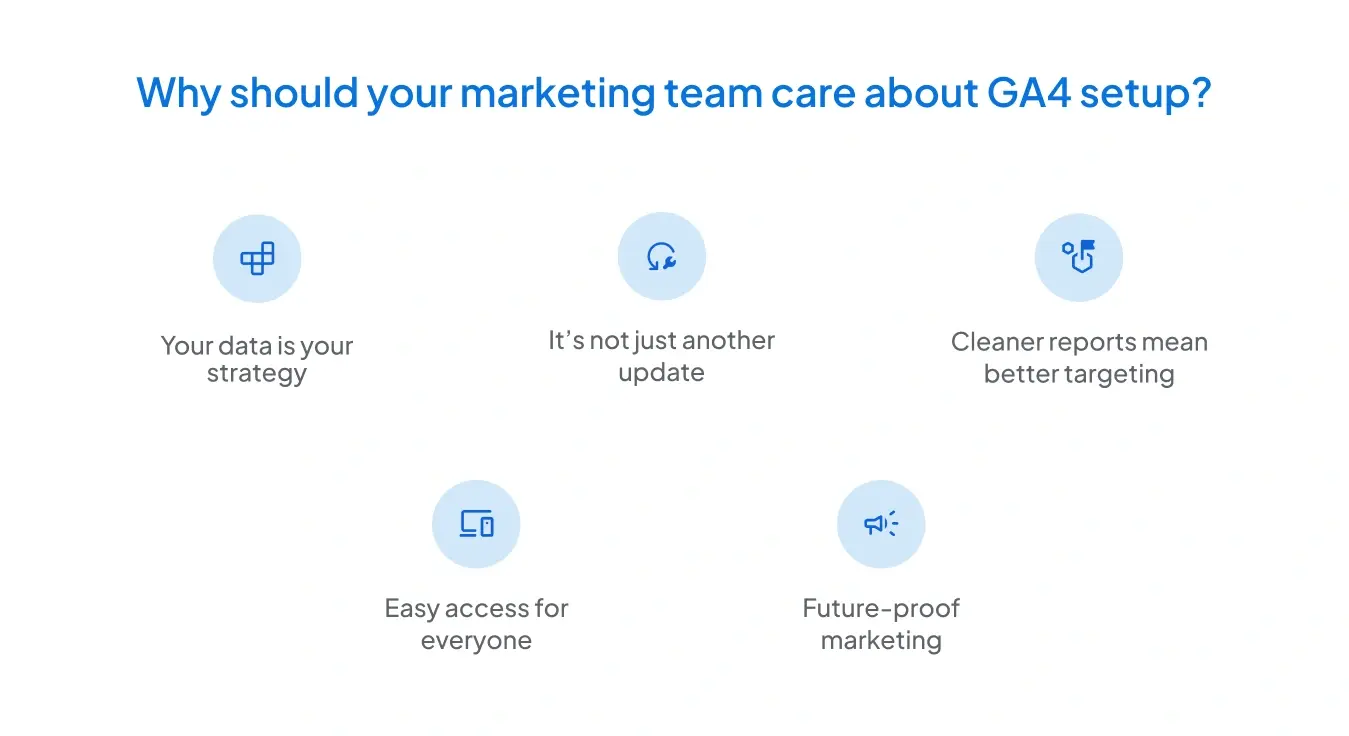
1. Your data is your strategy
Every campaign decision from ad spend to audience targeting depends on accurate data. A proper GA4 setup ensures every user action is tracked correctly so your reports reflect what’s actually happening on your site or app.
2. It’s not just another update
The shift from GA3 to GA4 isn’t minor. It’s a complete change in how data is collected. GA3 tracked pageviews, while GA4 focuses on user events like clicks and scrolls. This helps marketers understand behavior across multiple platforms, not just websites.
3. Cleaner reports mean better targeting
Once you know what a Google Analytics account really is and how to create a property in Google Analytics, your team can organize data by business goals like tracking leads, sales, or user engagement, making insights easier to act on.
4. Easy access for everyone
The Google GA4 login dashboard lets marketing, sales, and leadership teams view performance in real time. No waiting for reports or guesswork, everyone stays on the same page.
5. Future-proof marketing
Understanding the basics of Google Analytics 4 prepares your team for the future of digital tracking, where privacy laws and data restrictions are getting stricter. GA4 helps you stay compliant while still measuring what matters.
In short: your GA4 setup isn’t just a job for analytics. It powers the marketing team’s ability to plan, optimize, and report effectively. This is why, 14.2 million websites already use Google Analytics.
Basics of Google Analytics 4 A Marketer Needs to Know
Here are the basics every marketer should know before diving in:
Events, not sessions
GA4 tracks user actions (like clicks, scrolls, or video plays) as “events,” giving a much clearer picture of what people actually do on your site, not just how long they stay.
Cross-device tracking
Your customers move between phones, laptops, and apps. GA4 connects all that behavior into one continuous journey, so you don’t lose track of conversions.
Smarter insights
Built-in AI automatically spots some trends and predicts user behavior, helping marketers act faster instead of waiting for reports.
Organized tracking
Once you know what a Google Analytics account really does and how to create a property in Google Analytics, you can neatly set up data for each product or website and monitor everything from one Google GA4 login dashboard.
Privacy built in
GA4 is built for a cookieless future. It collects data responsibly while keeping you compliant with global privacy laws. This is something GA3 wasn’t designed to handle.
How to Create a Property in Google Analytics?
Part of the GA4 setup is knowing how to create a property in Google Analytics. For marketing teams, understanding this process helps ensure the right property boundaries (web vs app), naming conventions, attribution views, etc. Here’s a quick overview, as stated in the official documentation of GA4 by Google:
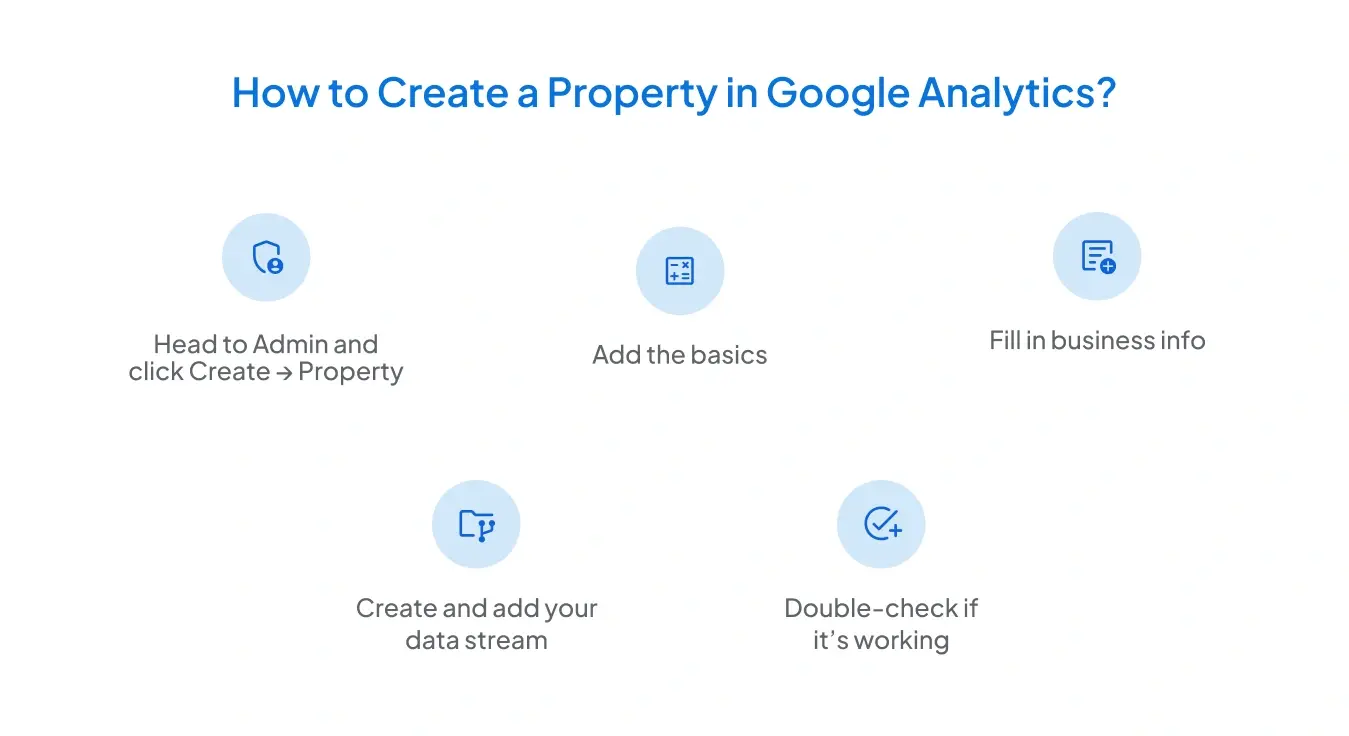
1. Head to Admin and click Create → Property.
In your Google Analytics account, go to the Admin panel, hit Create, and select Property. This is where you’ll define what exactly you’re tracking.
2. Add the basics
Give your property a clear name (like “My Business Website”), choose the right reporting time zone, and set your currency. The time zone matters more than you’d think. It decides which day a visit is recorded on. GA4 even adjusts automatically for Daylight Savings.
3. Fill in business information
Click Next, and you’ll be asked for your industry category, business size, and why you’re using Google Analytics, whether it’s to generate leads, grow engagement, or track conversions. Your choices here will help GA4 to show the most relevant reports later.
4. Create and add your data stream
Once done, hit Create and accept the terms. Then add a data stream (website, app, or both) to start collecting real user data. Also, connect your GA4 stream using Google Tag Manager (GTM) or by adding the gtag.js code directly to your website’s header. This ensures your property actually starts sending data to GA4.
5. Double-check if it’s working
Open the Realtime or DebugView reports to see if GA4 is tracking visits correctly. Make sure your campaigns, subdomains, and landing pages are included.
Marketing should verify that all relevant channels (website, mobile app, campaign landing pages) are included in the property. If a campaign runs on a sub-domain or third-party landing page and it isn’t included, you’ll miss valuable conversion data.
Why a Google (GA4) Login and Permissions Matter?
It’s easy to overlook, but your marketing workflow depends on smooth access to data. Making sure every relevant stakeholder has the correct permissions to log in is critical.
When people ask “why can’t I see that report?” often it’s a permissions issue, not a tracking issue. With GA4 setup, the admin should grant roles (Editor, Analyst, Viewer) to marketing, analytics, and leadership teams appropriately. Without that, you’ll waste time requesting access or operating on incomplete data.
The Role of a GA4 Audit Service
Even if you’ve been careful with your GA4 setup, it’s incredibly easy to miss the small stuff. Maybe a few events weren’t firing, or a property wasn’t linked. You won’t notice it immediately until your conversions drop, reports look off, and your decisions drift in the wrong direction.
That’s why many marketing teams go for a GA4 audit service. It works like a health check for your data, catching what slipped through before it snowballs into bigger losses.
Here’s what a good audit really does:
- Finds what’s broken.
It checks if every event, goal, and data stream is working the way it should. No more wondering why your numbers don’t match up. - Cleans up your data.
It spots duplicate traffic, missing sources, or filters that are quietly messing up your reports. - Prepares you for what’s next.
With privacy updates, cookies disappearing, and users hopping between devices, a clean setup keeps your tracking future-ready. - Connects marketing with measurement.
Your campaigns, funnels, and analytics should all tell the same story. An audit makes sure they do. - Offers guided solutions
You get clear guidance to fix the existing GA4 issues to improve your analytics tracking quality
In short, a GA4 audit saves you from chasing wrong numbers and lets your team make confident, data-backed decisions.
Introducing the GAfix Solution
GAfix is a comprehensive GA4 audit tool, built for marketing teams like yours who cannot afford to wait. It scans your GA4 setup, highlights implementation errors, conversion leaks, property misconfigurations, and missing events and provides actionable fixes in minutes.
With GAfix, you can:
- Run a deep audit of your GA4 setup in minutes.
- Obtain an initial tracking of 7 key GA4 checkpoints for FREE
- Get a prioritized list of issues broken down into easy-to-fix items.
Common Myths Marketers Have about GA4 Setup
A lot of marketers assume GA4 is just a newer, fancier version of Universal Analytics, but that’s far from the truth. Here are a few common myths that cause confusion (and bad data):

- “Once I install GA4, I’m done.”
Not really. GA4 needs proper configuration, including setting up events, conversions, audiences and more. Without that, you’re just collecting noise. - “It tracks everything automatically.”
GA4 does track a few things by default, but most valuable actions, like form fills or button clicks still need manual setup. - “Old GA3 data will carry over.”
Nope. GA3 and GA4 are completely separate systems. Your old data stays where it is. GA4 starts fresh from the day you set it up. - “It’s only for analysts.”
Actually, GA4 is built for marketers too. The insights it offers can shape campaigns, improve user journeys, and directly impact ROI, if you know how to use it.
Final Thoughts
Your marketing team has a mission to deliver growth, track performance, and show value. But that mission only works if your analytics infrastructure is usable, accurate, and aligned. A strong GA4 setup is no longer optional but foundational. By understanding what a Google Analytics account, how to create a property in Google Analytics, mastering Google (GA4) log in, and handling the basics of Google Analytics 4 you give your team a fighting chance.
And if you want to skip the guesswork and fix things fast, a Google Analytics audit by tools like GAfix is your smart move. Because when you get your GA4 setup right, marketing becomes measurable, dependable, and strategic.
.png)
Frequently Asked Questions
What is GA4 in marketing?

GA4 (Google Analytics 4) is the latest version of Google Analytics that helps marketers understand how people interact with their website or app. It tracks user behavior across devices and gives a complete picture of the customer journey.
How does Google Analytics help marketing?
It shows where your visitors come from, what they do, and what makes them convert. This helps marketers spend smarter, improve user experience, and measure campaign performance accurately.
What’s the difference between GA4 and GTM?
GA4 tracks and reports user data, while GTM (Google Tag Manager) manages the tracking codes or tags you use to collect that data. Think of GTM as the tool that sends data to GA4. They work together, but they’re not the same thing.
Confident Decisions Start with Accurate Tracking
Ensure your GA4 and GTM are correctly configured, reliable, and ready for scale.
%20.webp)


Subscribe To Our Newsletter


