





Google Analytics 4 has become the default analytics platform for many modern organizations, largely because of its event-based model and its ability to unify web and app measurement under a single property.
As per the latest GA stats, over 14 million websites worldwide are now running on GA4, which speaks less to universal confidence and more to the reality that teams have had to move. In practice, this shift has expanded the surface area for tracking mistakes, not eliminated them.
Despite widespread adoption, implementation issues are still common, leading to distorted insights and campaign performance being affected.
That’s why having a dependable GA4 audit tool in your toolkit matters, and why GAfix tends to surface in conversations about diagnostics and validation. GAfix focuses on identifying the kinds of GA4 configuration and tracking problems that often pass basic checks but undermine a GA4 Audit Checklist, helping teams move toward data that is at least internally consistent and defensible.
In this beginner-friendly guide, we’ll walk through what GAfix does, how it works in practice, and why incorporating a GA4 audit tool into your broader Google Analytics audit and measurement strategy is becoming less optional and more operational.
What is Gafix.ai?
GAfix.ai is an AI-driven platform built specifically to audit GA4 implementations. Not to visualize data. Not to replace analysts. To audit what’s already there, including events, tags, configurations, and flags where things don’t line up with how GA4 actually behaves in production.
Key Features:
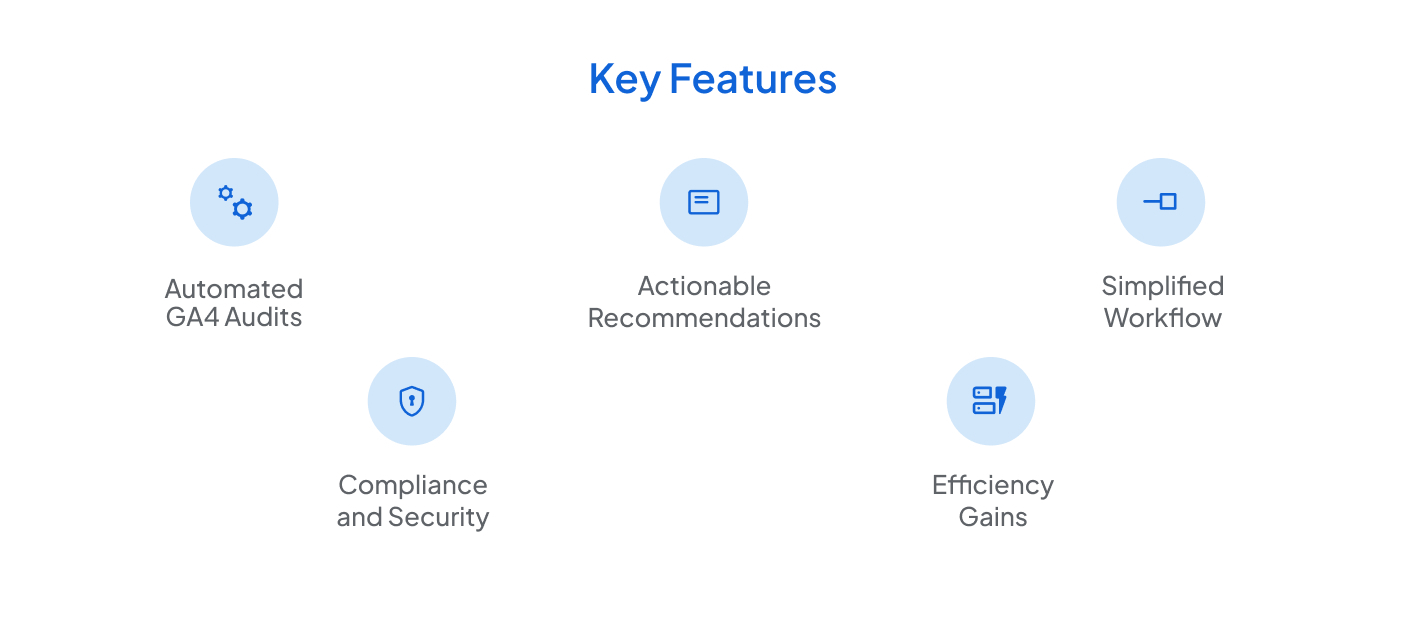
- Actionable Recommendations: Instead of offering general guidance, the result identifies the misalignment and explains how it impacts downstream reporting. Fixes still require practitioner judgment, but at least the work is aimed in the right direction.
- Automated GA4 Audits: GAfix scans GA4 properties for tracking logic problems such as duplicate events, partial implementations, and misfiring tags that make setups look fine on the surface while eroding a GA4 Audit Checklist underneath.
- Simplified Workflow: You connect the property, run the audit, and review what comes back. There is no reason to spend hours inside Google Tag Manager or clicking through admin screens unless something truly warrants deeper inspection.
- Compliance and Security: It flags privacy-related risks tied to GA4 configuration, such as consent handling gaps and data collection patterns that would raise concerns under GDPR or CCPA.
- Efficiency Gains: Work that used to take days of manual web analytics audit checking can often be compressed into minutes. It does not replace practitioner experience, but it cuts down the repetitive diagnostic grind.
What Are the Common Problems in Analytics Setup and Auditing?
Setting up and maintaining a dependable analytics implementation such as Google Analytics 4 (GA4) is rarely straightforward, particularly for teams without dedicated measurement expertise. Many organizations run GA4 with incorrect tracking, inconsistent event logic, or legacy configurations that no longer accurately reflect how their site or product behaves. These conditions subtly shape the reporting output and, by extension, the decisions made based on that data.
Meanwhile, changing privacy laws introduce new ways for implementations to break. Without regular reviews anchored to a GA4 audit checklist and backed by the right tooling, these problems tend to linger quietly rather than surface as obvious failures.
These are a few of the most prevalent issues:
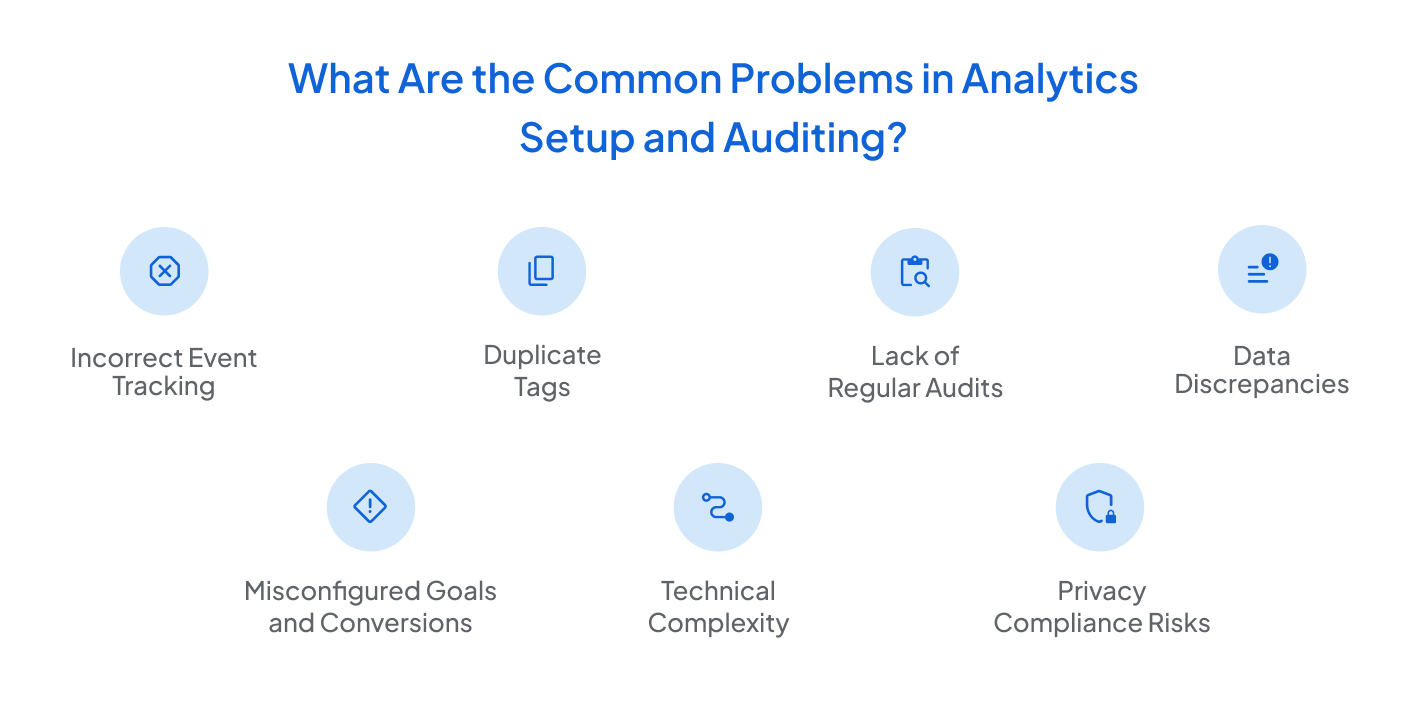
- Inaccurate Event Tracking: Events technically fire, but not at the right moment or under the right conditions. Edge cases are ignored. Critical interactions are either missing or warped.
- Misconfigured Goals and Conversions: In a GA4 audit checklist, events are often marked as conversions because they sounded important at the time, not because they represent a real business outcome.
- Data Discrepancies: GA4 does not line up with backend systems, ad platforms, or CRM data. Confidence in reporting fades, and no one can say with certainty which system is wrong.
- Duplicate Tags: Often introduced during migrations or quick fixes. Metrics inflate. Nobody notices until revenue and sessions stop matching anything else.
- Technical Complexity: GA4 is structurally unforgiving. Small configuration mistakes tend to compound rather than remain isolated.
- Lack of Regular Audits: GA4 implementations do not remain stable over time. Once reasonable configurations often drift as sites change, tags are added, and teams evolve.
- Privacy Compliance Risks: Consent logic is often added after the fact or wired up inconsistently, and once that happens, data collection starts drifting outside the boundaries everyone assumes are in place.
Addressing these issues early with automated tools like GAFix.ai supports a more defensible GA4 Audit Checklist and reduces the likelihood that reporting problems only surface after decisions have already been made.
How Gafix.ai Solves the Problem
GAfix doesn’t try to be clever. It does something more useful: it checks the implementation without assumptions. It scans GA4 configurations in the same way a practitioner-led Google Analytics 4 audit would, looking for inconsistencies, redundancies, and logic gaps that rarely appear in standard reports. Rather than manually reviewing tags, triggers, and events across tools, GAfix points to where attention actually needs to be applied within a GA4 Audit Checklist.
Here’s where it helps:
- Automated Audits: Find missing events, duplicate tracking, broken logic, and slow configuration drift that chip away at a GA4 audit checklist over time.
- Expert Recommendations: Points directly to what is wrong and where the logic fails, not just that a setting happens to exist.
- User-Friendly Interface: The findings make sense without spending half the day buried in GA4 admin or Google Tag Manager.
- Saves Time and Effort: Cuts down long, manual web analytics audit checks into a short, focused pass.
- Improves Data Quality: Fewer GA4 tracking mistakes and fewer reports that feel slightly wrong but are hard to prove.
- Ensures Compliance: Flags configurations that may conflict with consent requirements or data collection policies.
By simplifying the audit process and reducing room for error, GAFix.ai helps businesses to get the most out of their analytics.
Key Features of Gafix.ai
GAfix is useful because it stays narrowly focused on GA4 data accuracy. Here are the core capabilities of this GA auditor tool that make it stand out from others:
- Automated GA4 Audits: Full-property scans for setup and GA4 tracking issues.
- User-Friendly Interface: Findings are presented in plain language, so time isn’t spent translating GA4 terminology before anyone can understand what’s actually wrong.
- Privacy Compliance Support: Surfaces consent and regulatory risk areas early, when they are still correctable through configuration rather than retroactive mitigation.
- Detailed Reporting: Produces structured outputs that make prioritization easier inside a Google Analytics audit or web analytics audit workflow.
- Ongoing Monitoring: Detects changes as GA4 implementations evolve, which helps prevent configuration drift from quietly accumulating.
- Efficiency and Time Savings: Fewer audits become trapped in extended validation cycles, allowing effort to shift from searching for problems to evaluating and fixing them.

Conclusion
GAfix.ai doesn’t make GA4 simpler. It makes problems harder to ignore. If you rely on GA4 for decision-making, the cost of unchecked tracking issues is higher than most teams realize. GAfix helps surface those issues early, before they become accepted truth inside reports.
By automating audits and surfacing clear diagnostic guidance, GAFix.ai reduces manual effort and lowers risk, leaving teams to spend their time evaluating and acting on the data rather than questioning it.
Frequently Asked Questions
Can non-technical individuals use GAfix.ai?

Yes! No coding is required, but a working understanding of GA4 is still necessary to interpret what surfaces and decide how to apply it within a GA4 Audit Checklist or a broader Google Analytics 4 audit.
Can GAfix.ai fix the issues automatically?
No. It identifies GA4 setup issues and tells you what to fix, but changes must be made manually.
Is my data safe with GAfix.ai?
Yes. GAfix connects to GA4 only to run the audit. It does not store your data, reuse it, or pass it anywhere else.
Confident Decisions Start with Accurate Tracking
Ensure your GA4 and GTM are correctly configured, reliable, and ready for scale.
%20.webp)



Subscribe To Our Newsletter


