Shopify · Woocommerce· Custom

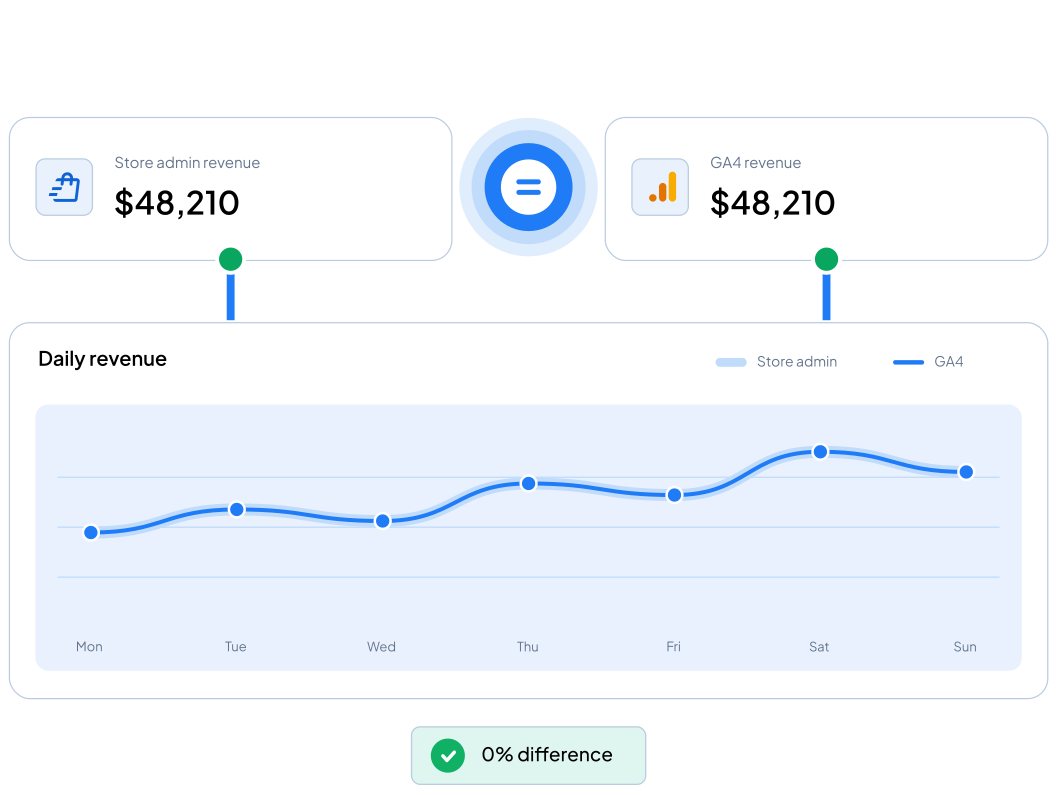
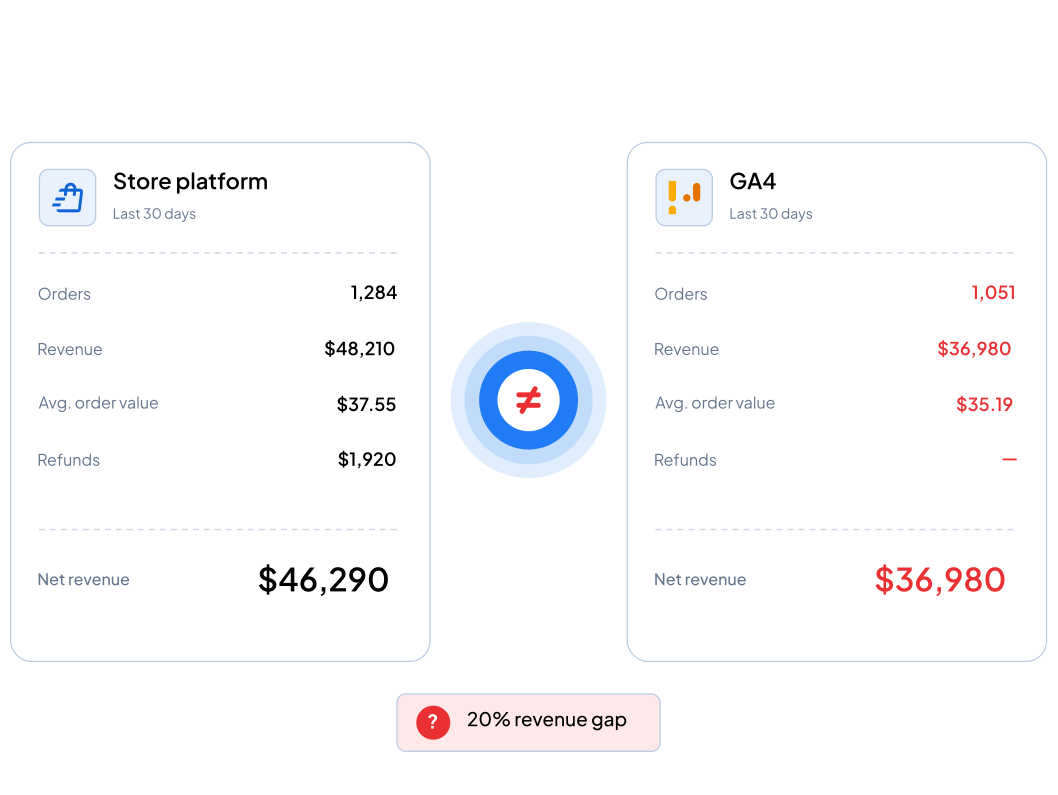
Revenue in analytics should match your store.

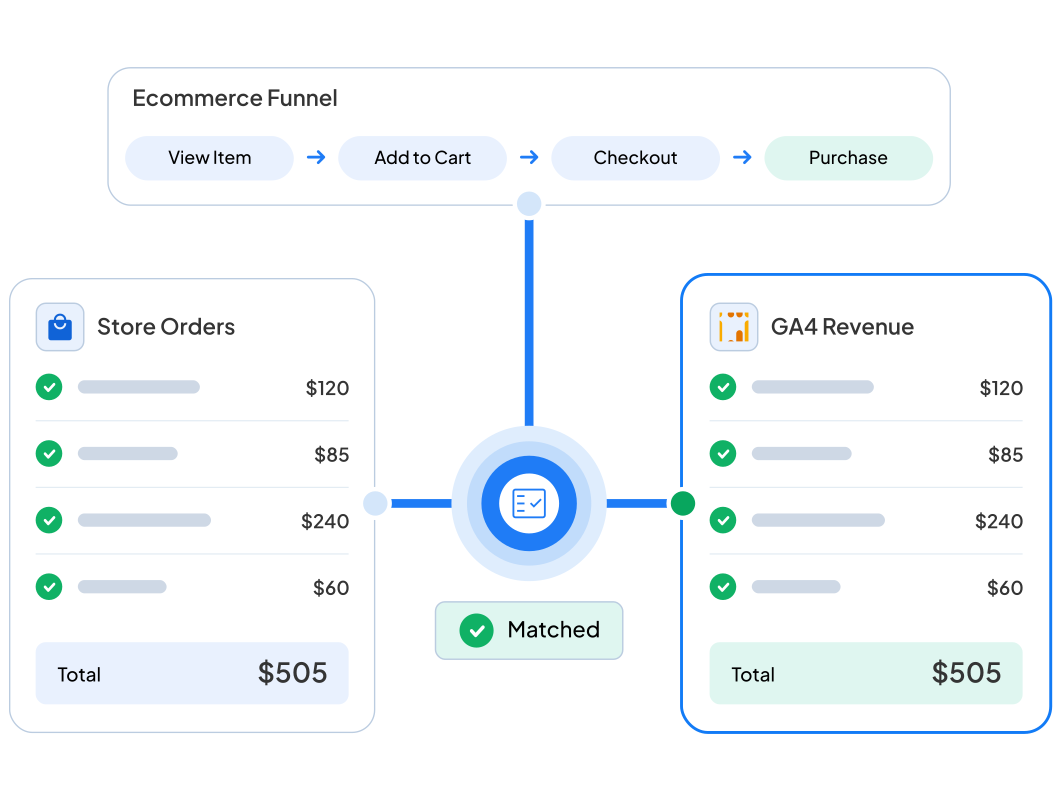
If purchases are missing, counted twice, or carrying the wrong values, every revenue report downstream is wrong. We implement the full ecommerce funnel to specification and reconcile it against your actual orders.

Fixed price

No retainer

Reconciled before handover

Standard scope. Anything unusual is confirmed on the kickoff call.

The symptoms

When you can't trust your own revenue reports

Revenue is the number everyone else builds on. If it's wrong, so is every decision made from it.

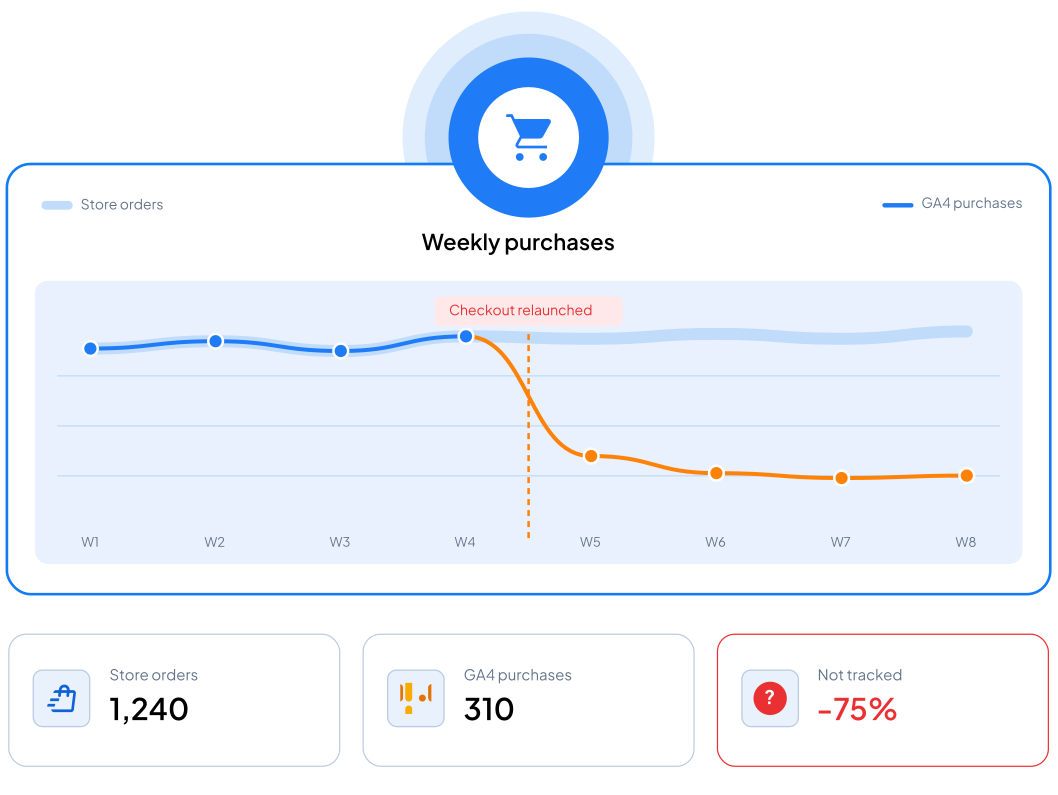
Analytics revenue consistently above or below your store admin

Purchases counted twice, doubling conversions and revenue

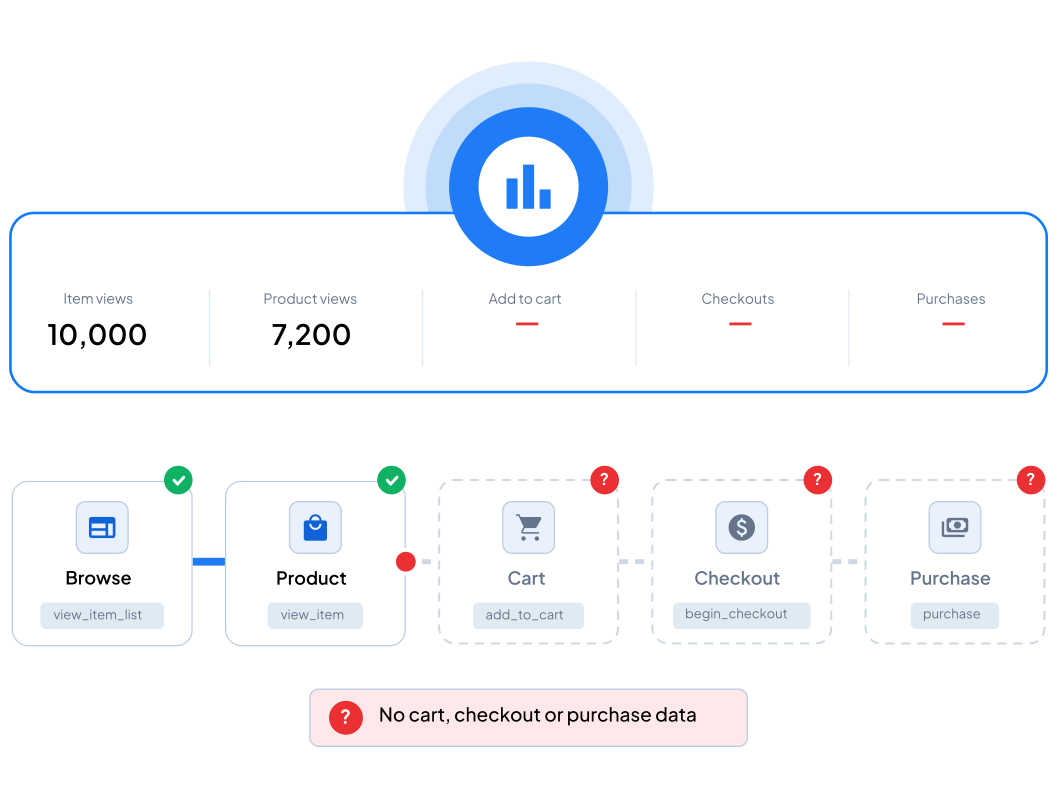
Add-to-cart and checkout steps missing from the funnel

Product names, prices or quantities arriving wrong or not at all

A platform update or checkout change that silently broke tracking

An ecommerce tag that stopped firing on order confirmation

Bar chart comparing GA4 audit workflows, showing GAFix delivers 70% time savings versus other tools

What changes

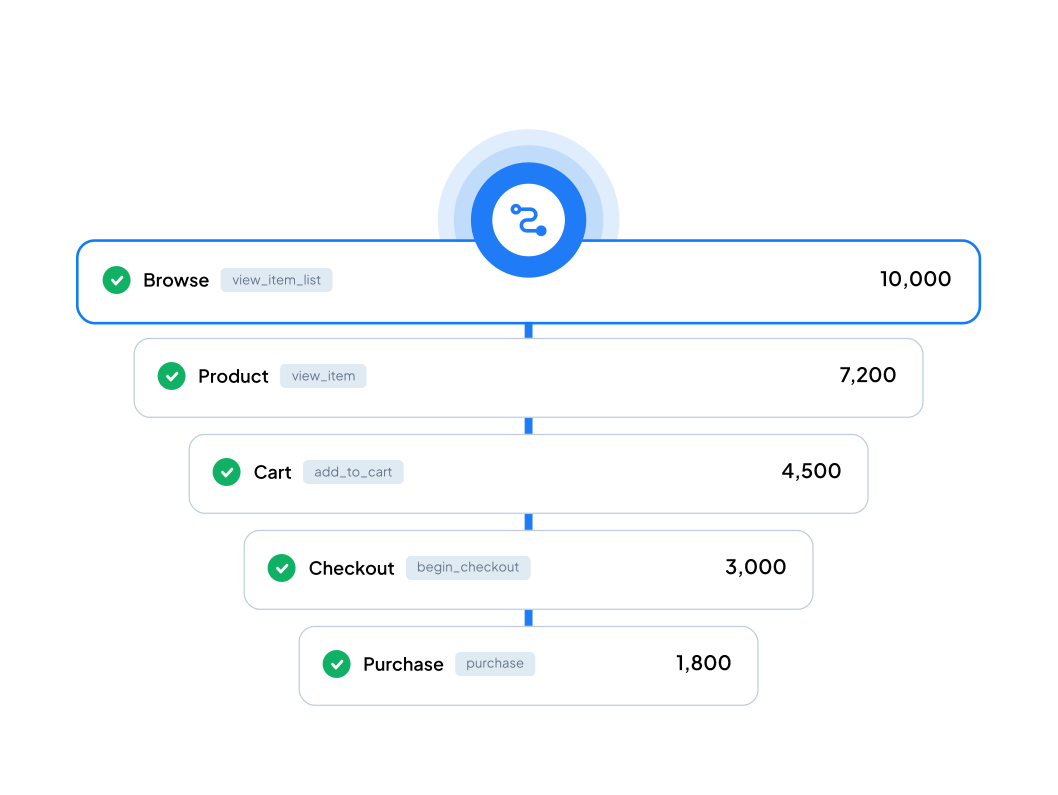
It isn't one purchase event. It's the whole funnel, in the right shape.

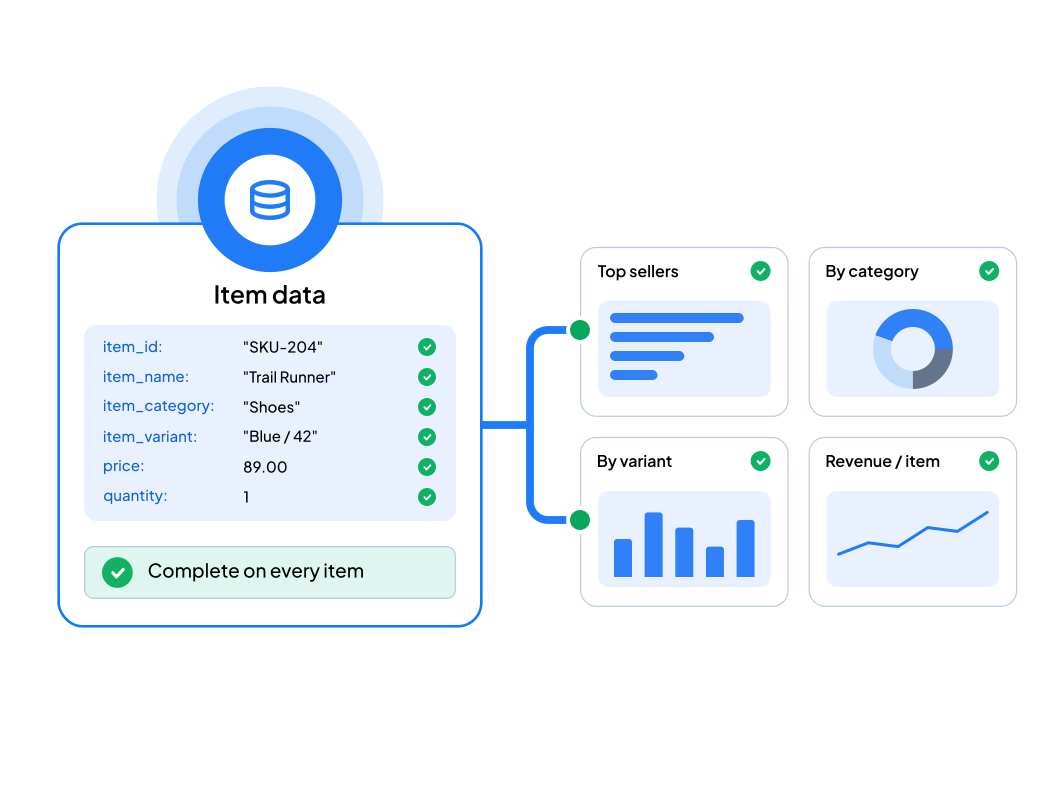
Ecommerce measurement is unusually strict: every step needs the correct event name and a validly structured item array. One malformed array and the reporting behind it stops making sense.

Bar chart comparing GA4 audit workflows, showing GAFix delivers 70% time savings versus other tools

Every funnel event named and structured to specification

Item arrays carrying all required parameters, validated

Funnel steps connected so drop-off analysis actually works

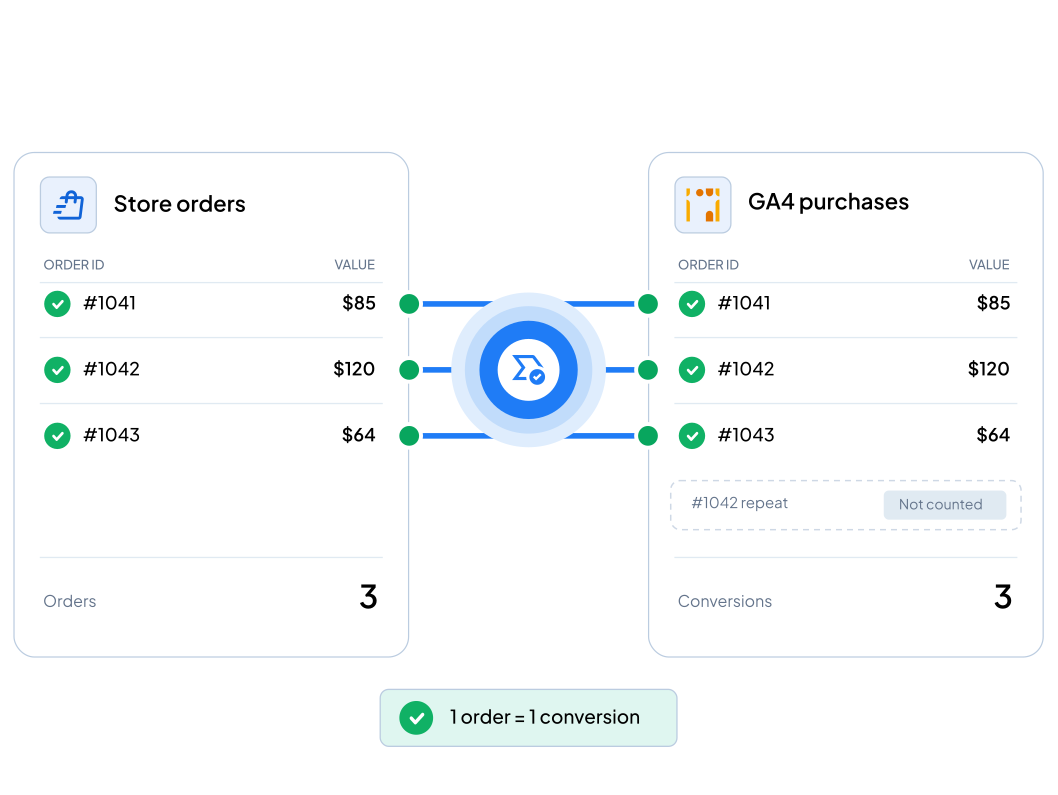
Deduplication so an order is only ever counted once

Revenue values arriving accurately from your platform

Scope

What's included

Funnel events
Item list views, product views, cart actions, checkout steps, purchase
All structured to the ecommerce specification
Item arrays
Product ID, name, price, quantity and category passed correctly
Validated against schema requirements
Purchase integrity
Transaction ID and revenue accuracy
Deduplication logic against double-counting
Order confirmation and thank-you page handling
Data layer
Pushes configured for your platform
Variables and triggers matched to your real checkout flow
Platforms
Shopify, WooCommerce and WordPress in standard scope
Headless and custom builds confirmed on kickoff

E-commerce Tracking Setup

One-time setup. Shopify, WooCommerce or WordPress · Single checkout flow

Order Now - $549

Scope note: Standard scope covers Shopify, WooCommerce, or WordPress with one checkout flow. Custom platforms, multiple currencies, or subscription billing are scoped separately.

Process

How the work runs

Kickoff call

We look at your platform, your container, and where the numbers diverge. Scope is confirmed before work starts.

Implement

We build the full event set with correct data layer structure, item arrays and deduplication.

Reconcile

We test the funnel from product view through purchase and confirm revenue matches your store before handing over.

Results

What you're left with

The complete funnel measured, from browse through purchase
No duplicate orders inflating conversions
Revenue that reconciles with your store admin
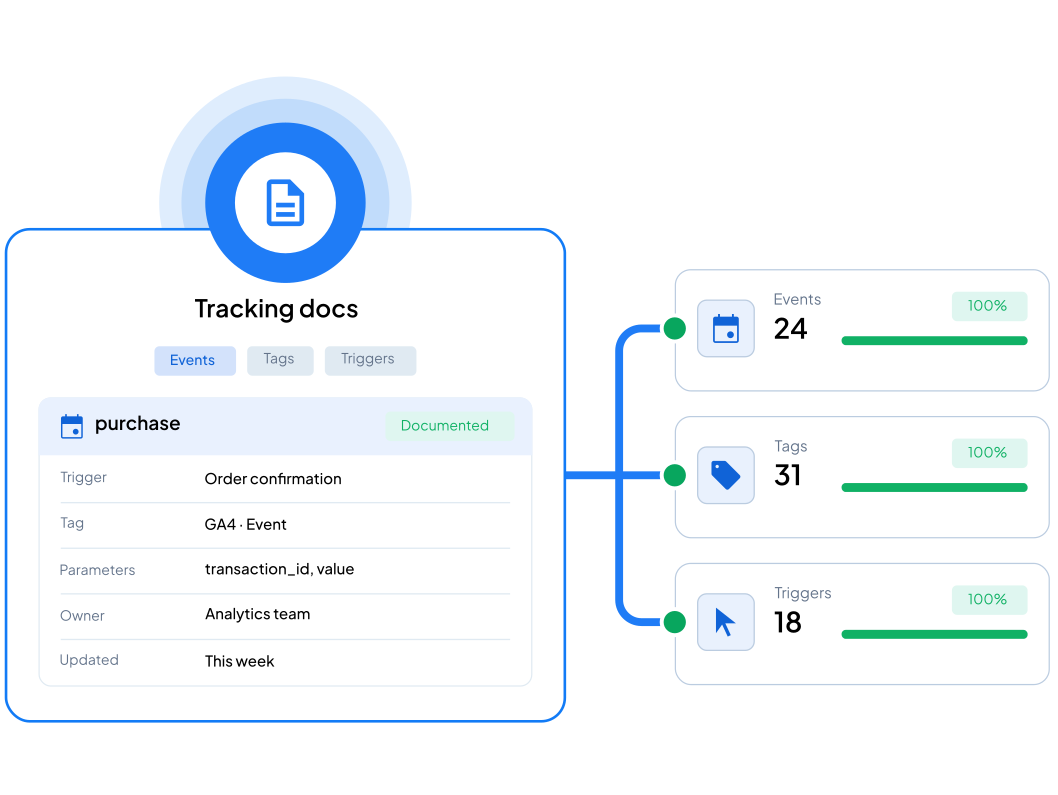
Documentation of every event, tag and trigger
Item-level data good enough for product analysis

Fit

Who this is for

Stores where analytics revenue doesn't match platform revenue
Businesses that recently migrated or rebuilt checkout
Teams missing cart, checkout or purchase data
Marketers who need reliable product and funnel numbers

FAQ

Frequently Asked Questions

Not sure which audit option suits you best? Let’s clear things up.
Why is analytics revenue different from my store?

Four usual causes: the purchase event fires twice, the revenue value in the data layer is wrong, a trigger on the confirmation page is misfiring, or orders through some channels were never tracked. A few percent of variance is normal. Anything more is a fault worth finding.

Do you work with Shopify?

Yes, along with WooCommerce and WordPress, all in standard scope. Headless and custom builds usually need the data layer implemented by your developers against a specification we write, which we confirm on the call.

Can you stop purchases counting twice?

Yes, and it's one of the most common jobs we do. We find what's producing the duplicate, which is usually a legacy tag nobody removed or a single-page app re-rendering the confirmation, then deduplicate on transaction ID so each order counts once.

What if it's only one broken event?

Then this is more than you need. A single fault — one duplicate event, one wrong value  is what the $299 Quick Fix exists for.